World
Vehicles
Drivable cars for RedM, built on a C# physics controller.
Every car is a composite RDR object driven by a C# physics controller written from the ground up: handling, three transmission modes, seats, hinged panels, lights, collision damage, flooding, engine sound and server-authoritative state.
Two clients, one car
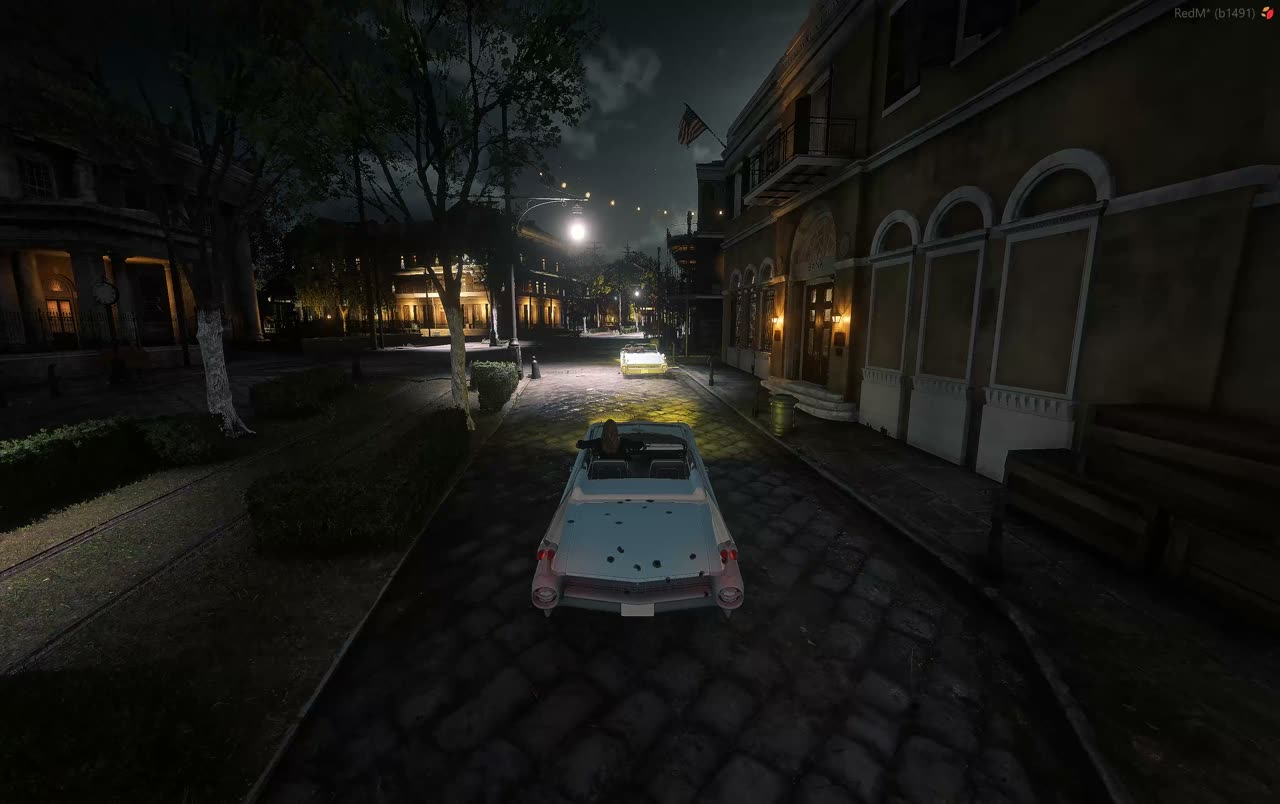
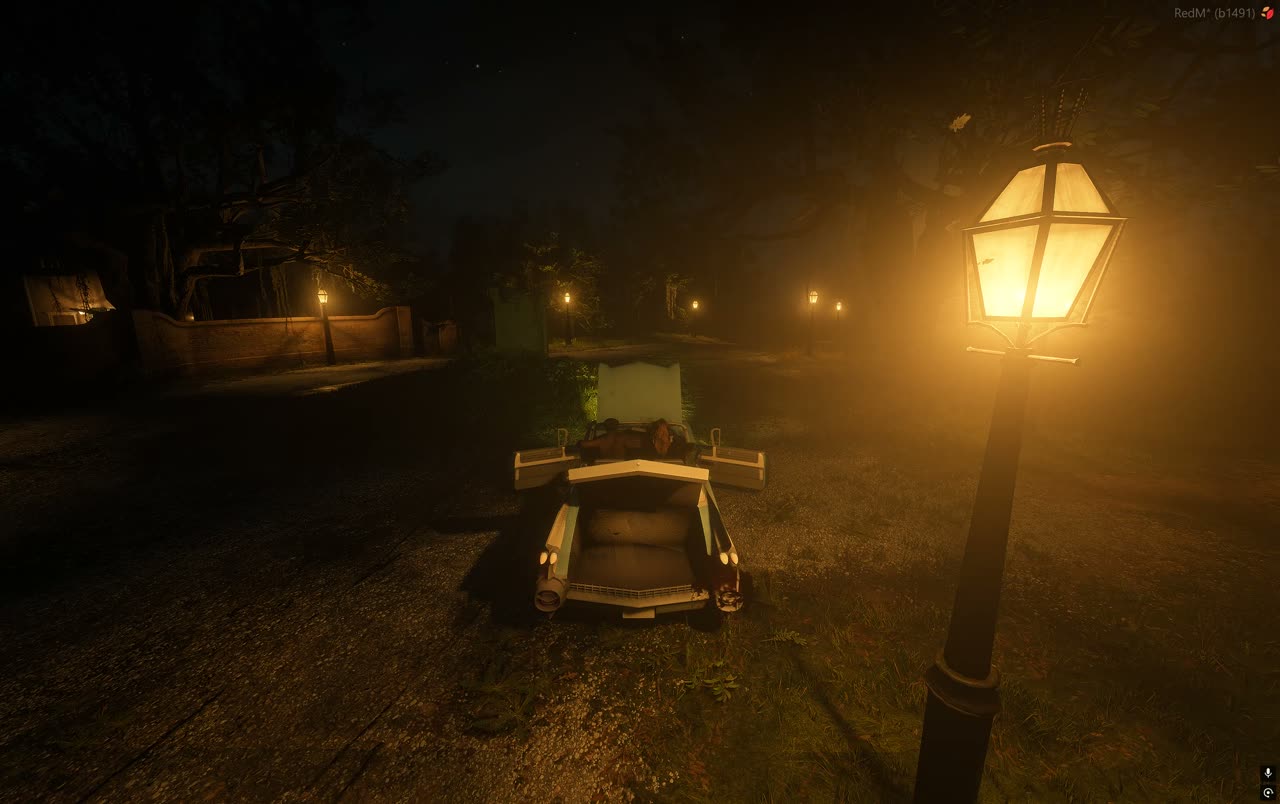
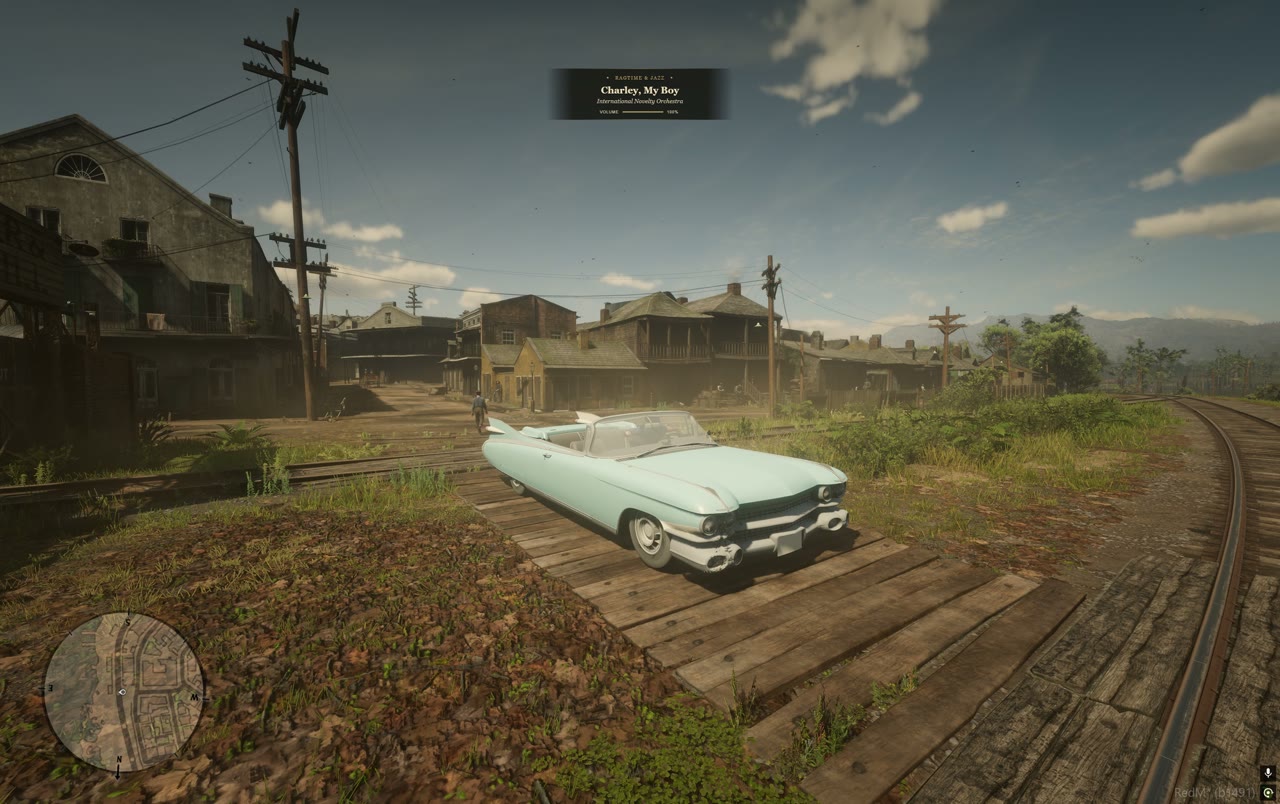
Raw capture from a live RedM server. No editing, no speed ramps, no cuts hiding a reset. What you see is what the physics controller and the sync layer actually do.
No vehicle class to inherit
The rdr3 engine ships wagons, boats and trains. It has no car class, no car handling file and no native to make one, so every part of a working car had to be written from scratch.
World Vehicles does not fake that with an animated prop. Each car is a composite object assembled from streamed RDR drawables, given a real physical bound, mass, inertia tensor and centre of gravity, and driven by a C# controller that solves wheel contact, drive torque, gearing, steering and braking every frame.
Because it is built rather than borrowed, everything above it is honest: damage is computed from measured velocity change, seats and panels are server state, and two clients looking at the same car see the same car.
- Written from scratch in C# against the Cfx legacy runtime
- Mass, inertia and centre of gravity authored per model, never guessed
- Offline regression suite: RSC8, BVH, collision masks, coordinates
- 60 six-degree-of-freedom park and drive cases at 30, 60 and 120 Hz
{
  "schemaVersion": 1,
  "profiles": {
    "monarch": {
      "physics": {
        "EngineTorque":  440,
        "FinalDrive":    3.36,
        "MaxSpeedMps":   35.7632
      },
      "damage": {
        "tailLightsFailureHealth": 500
      },
      "seats": 2,
      "panels": ["doors", "hood", "trunk"],
      "lamps":  ["front", "tail", "brake"]
    }
  }
}
Speed is an ordinary handling field in metres per second. 80 mph is 35.7632 m/s. Adding a car never means rebuilding the C# core.
Built, not borrowed
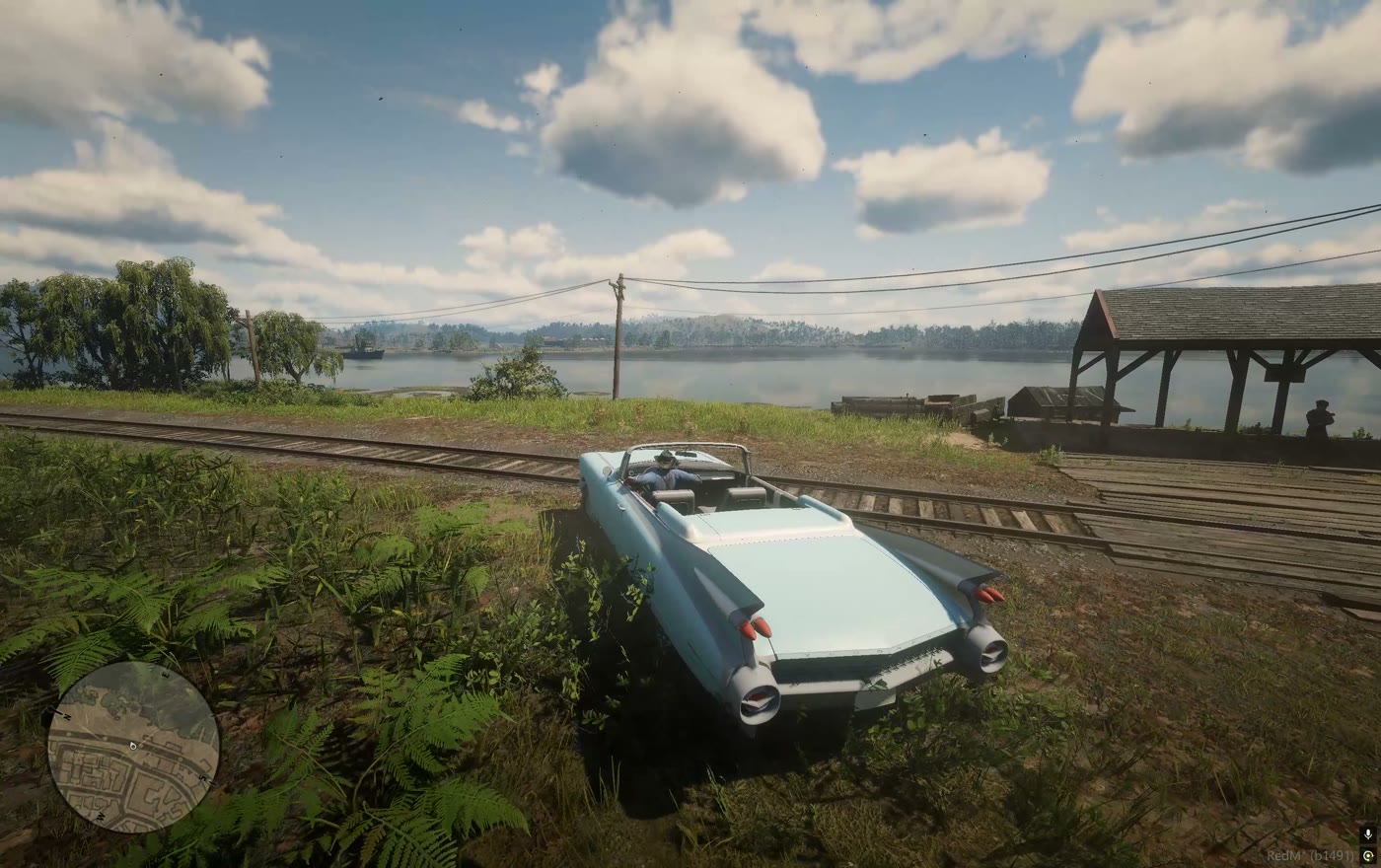
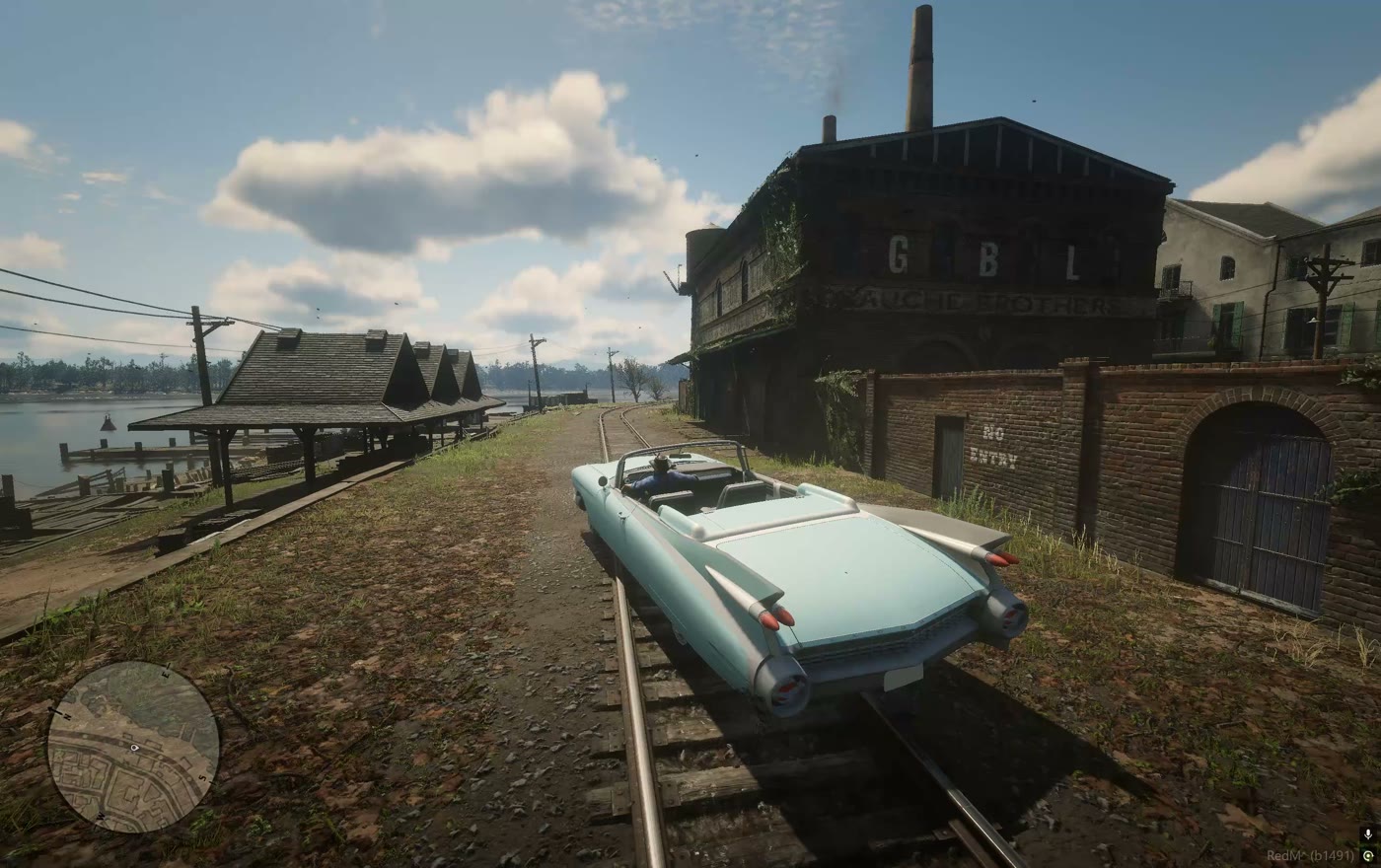
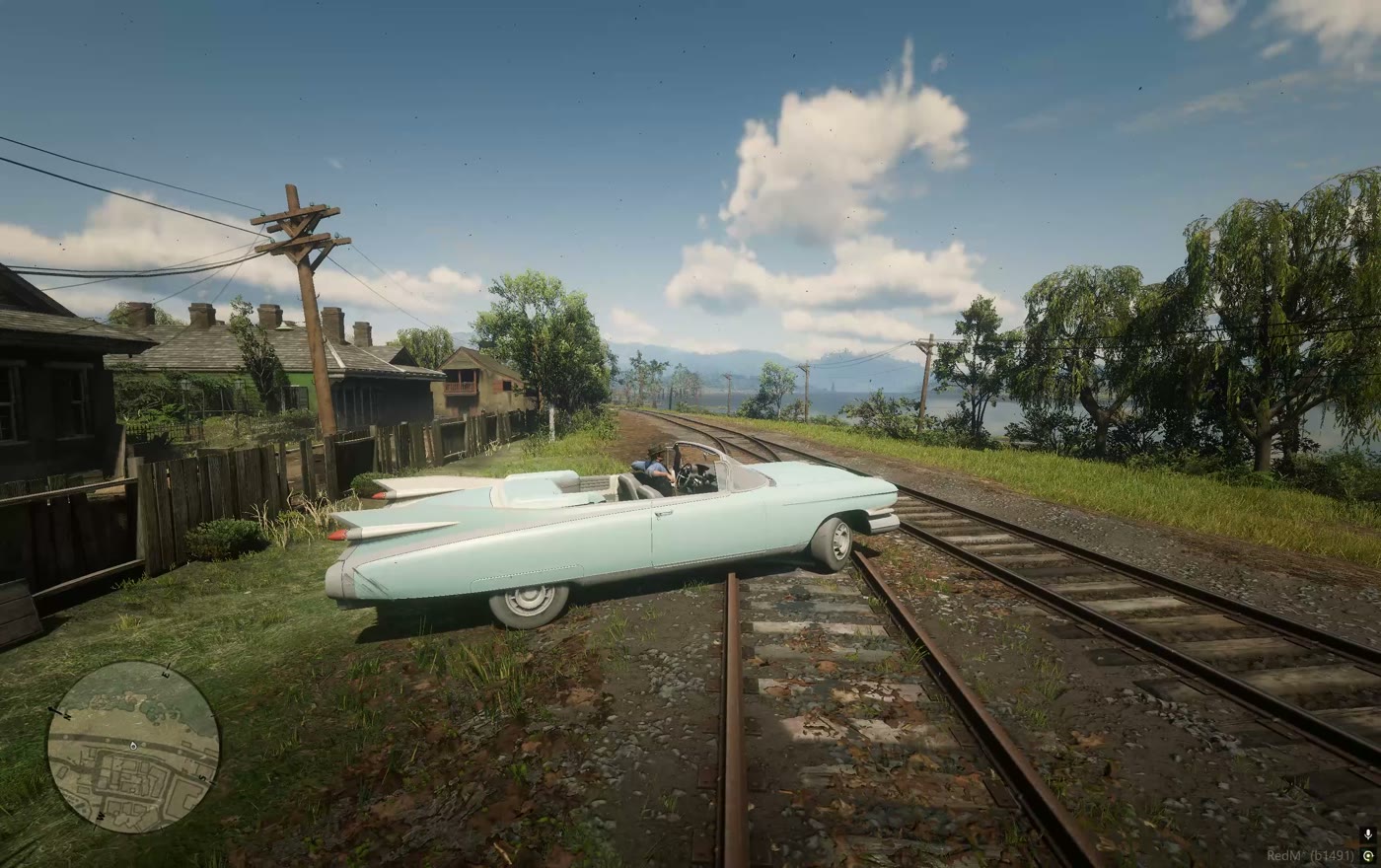
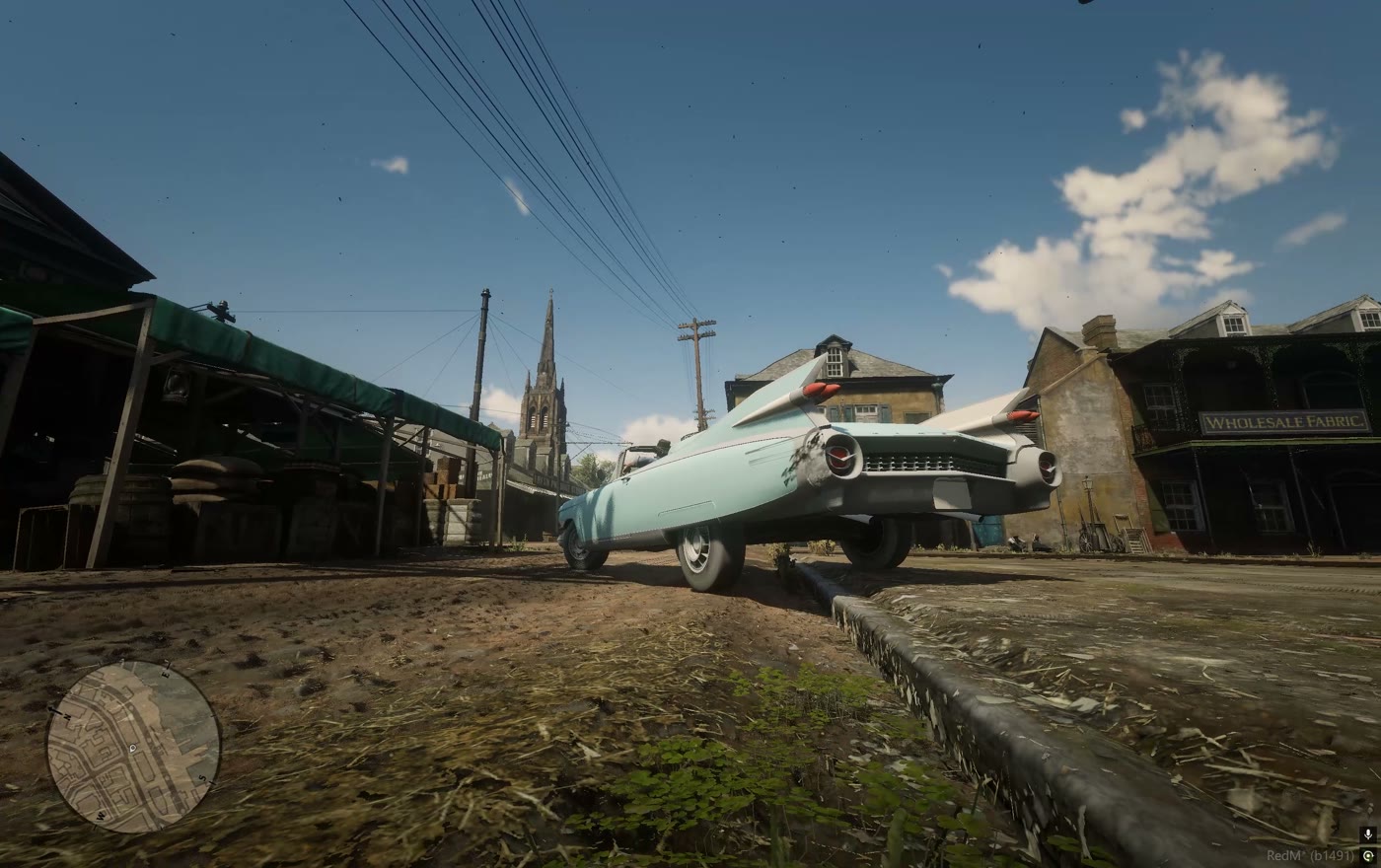
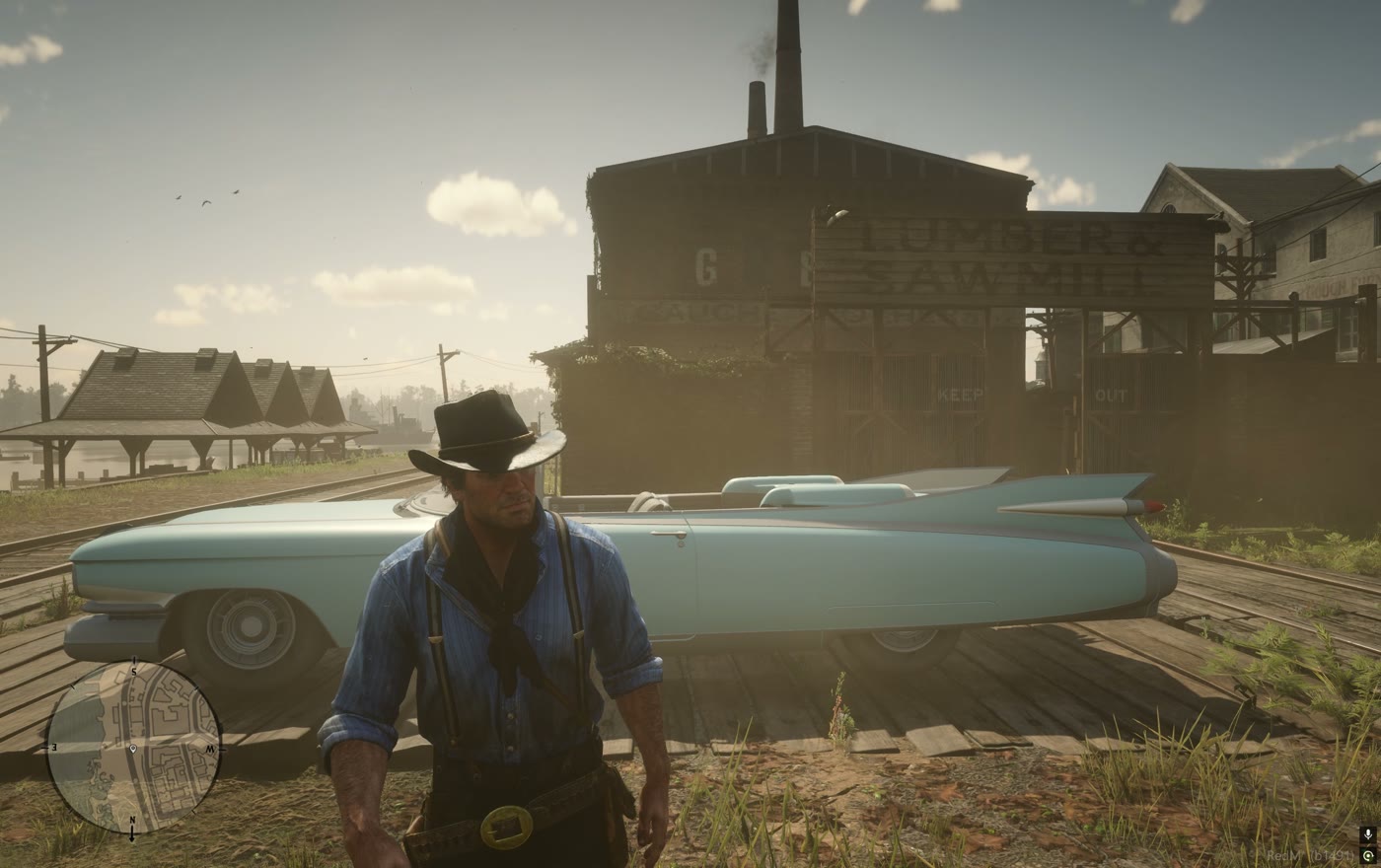
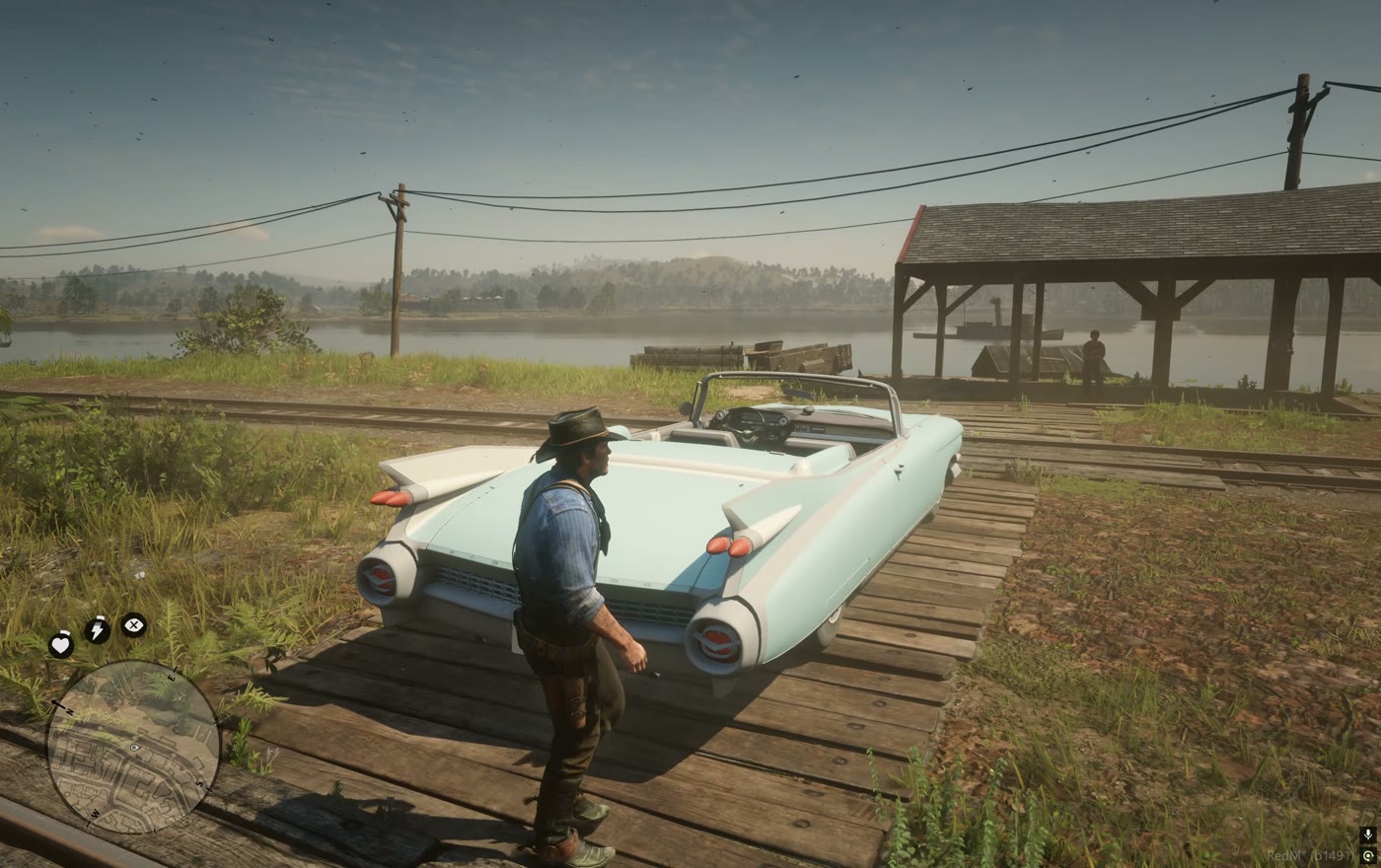
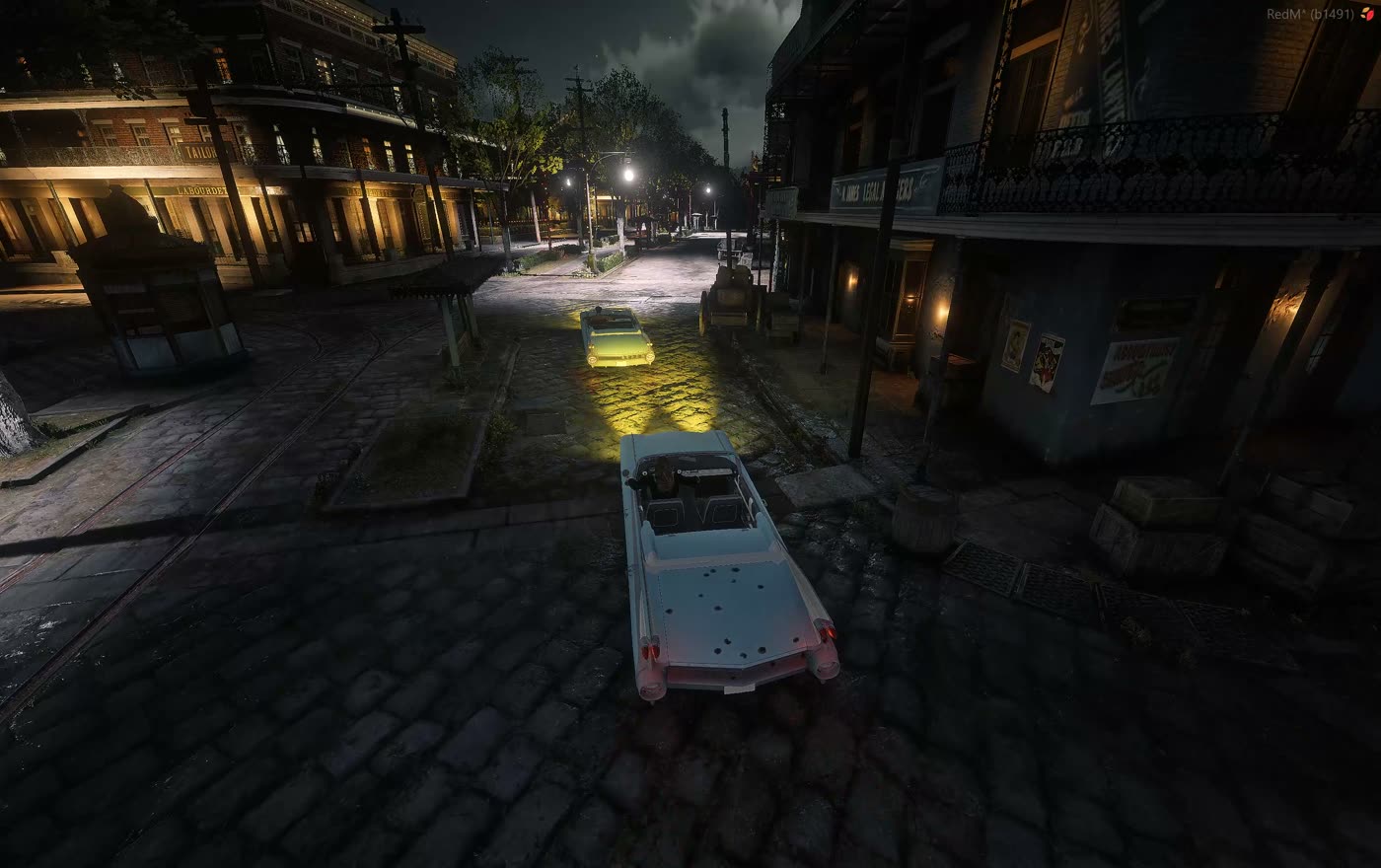
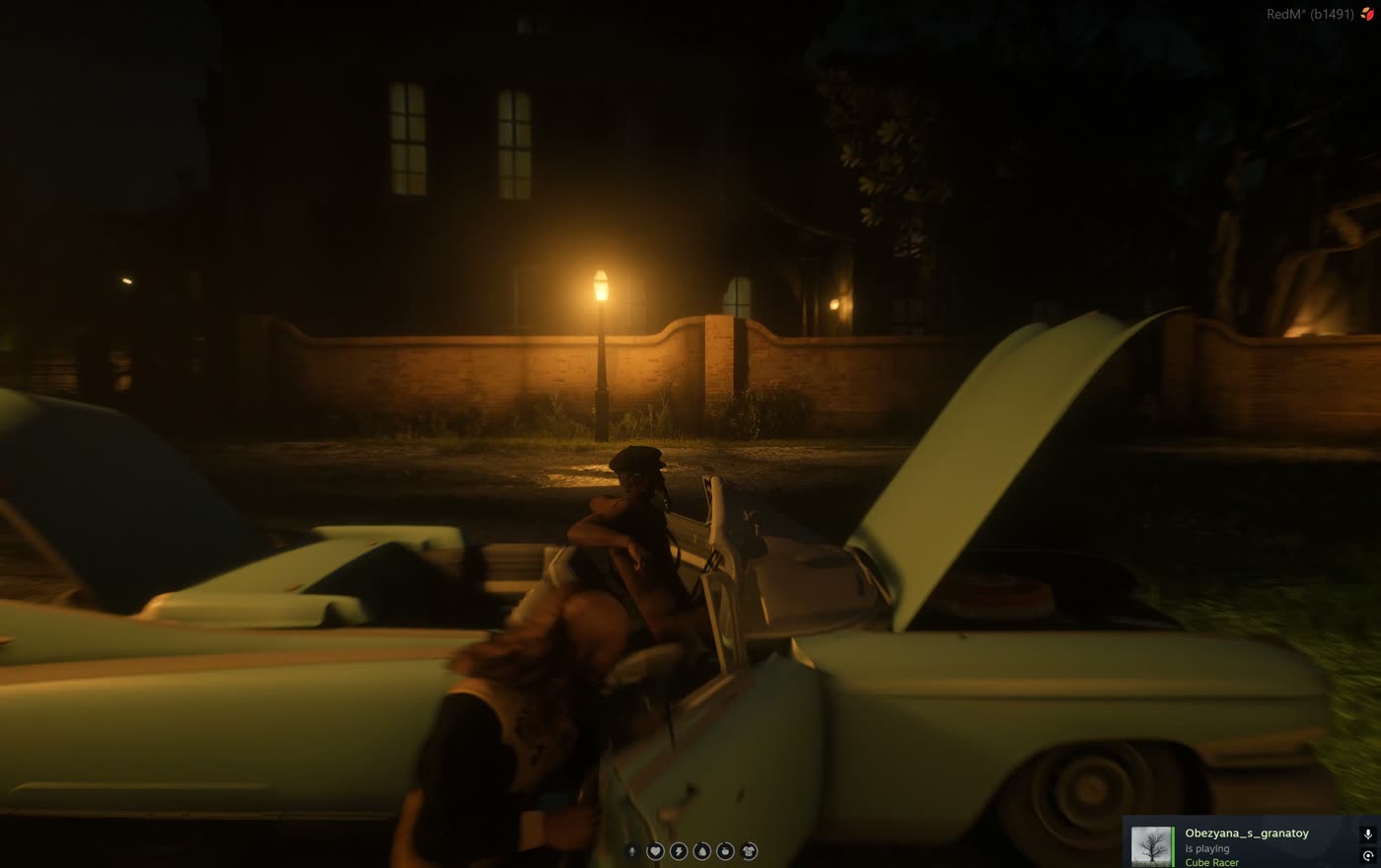
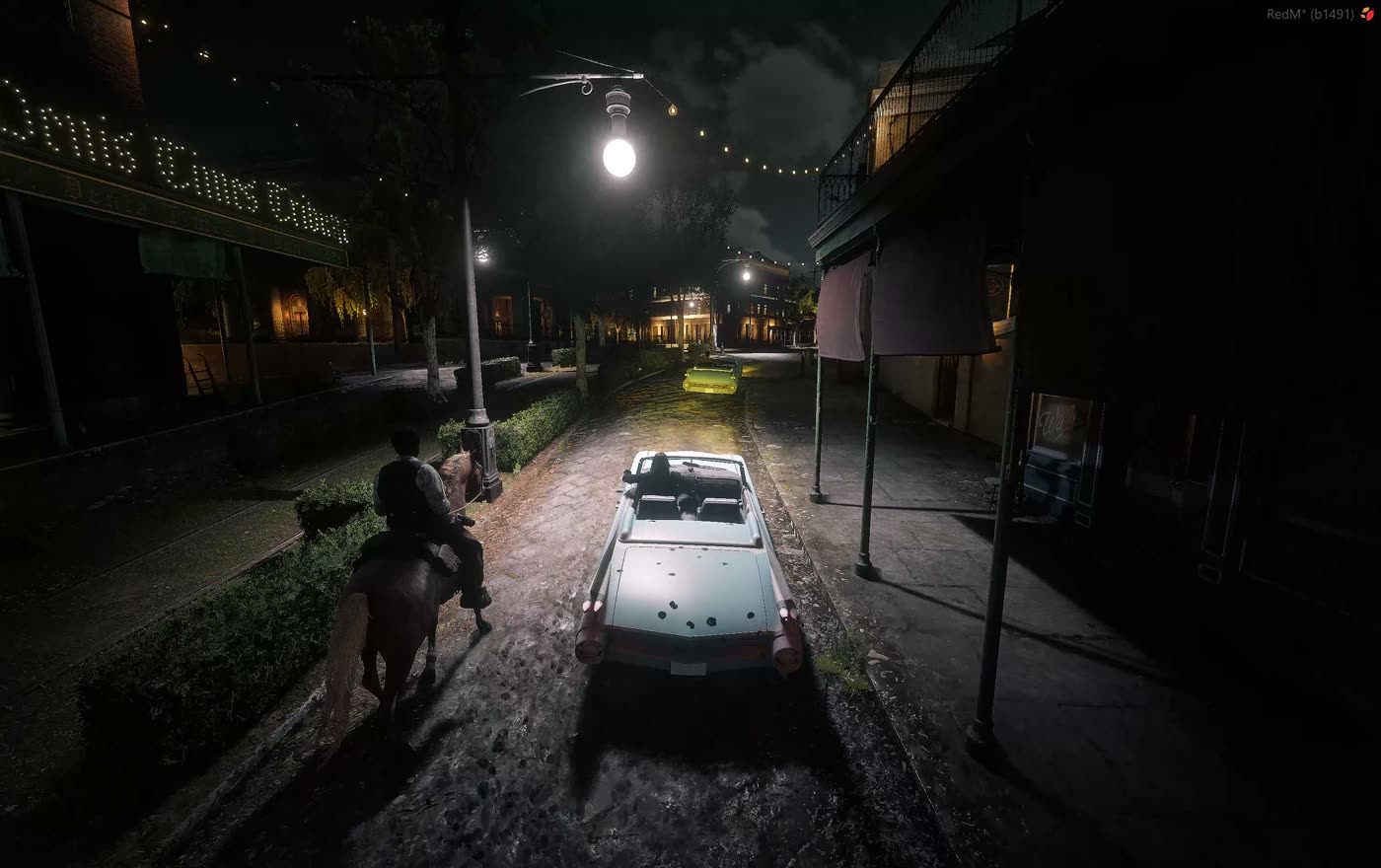
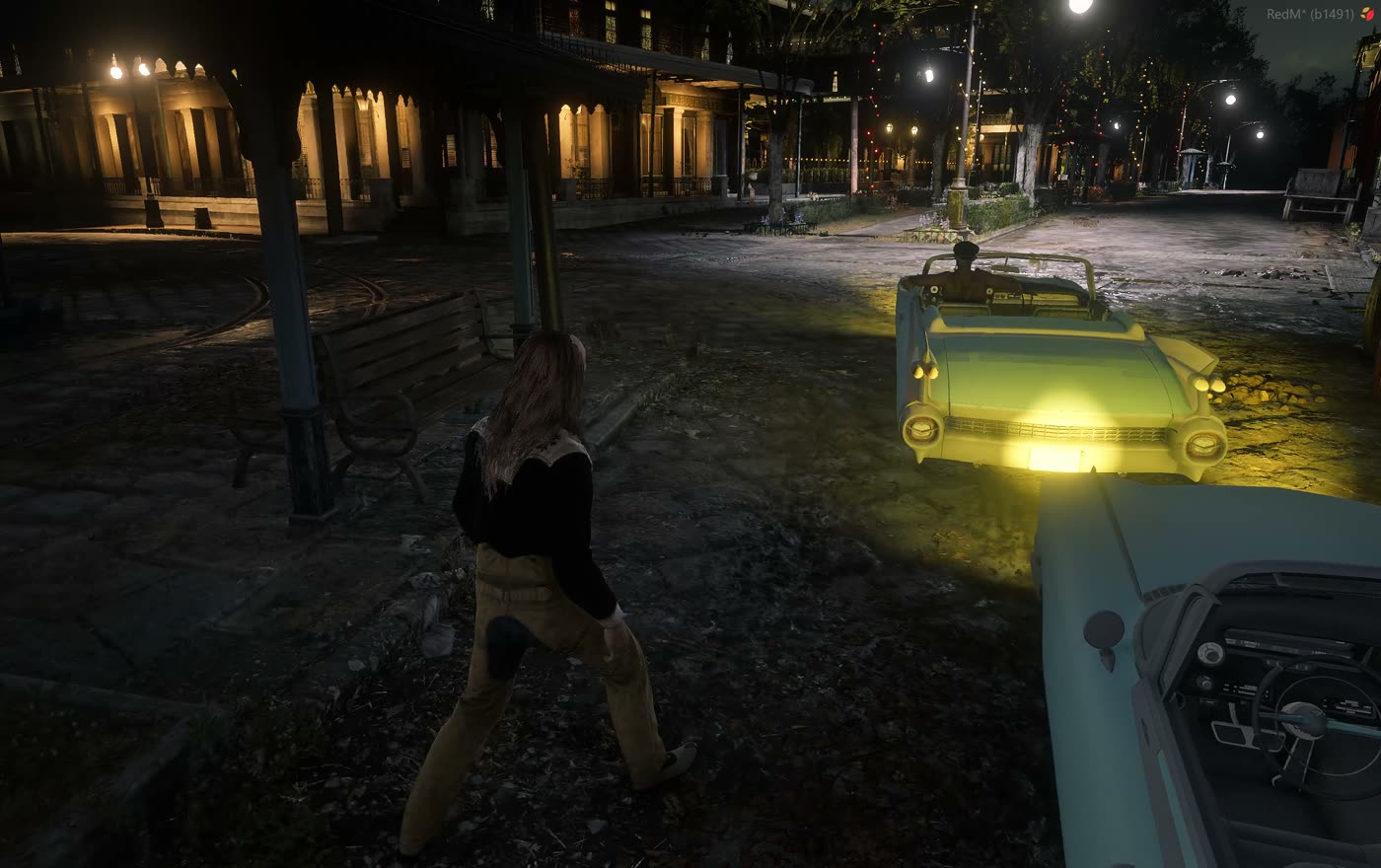
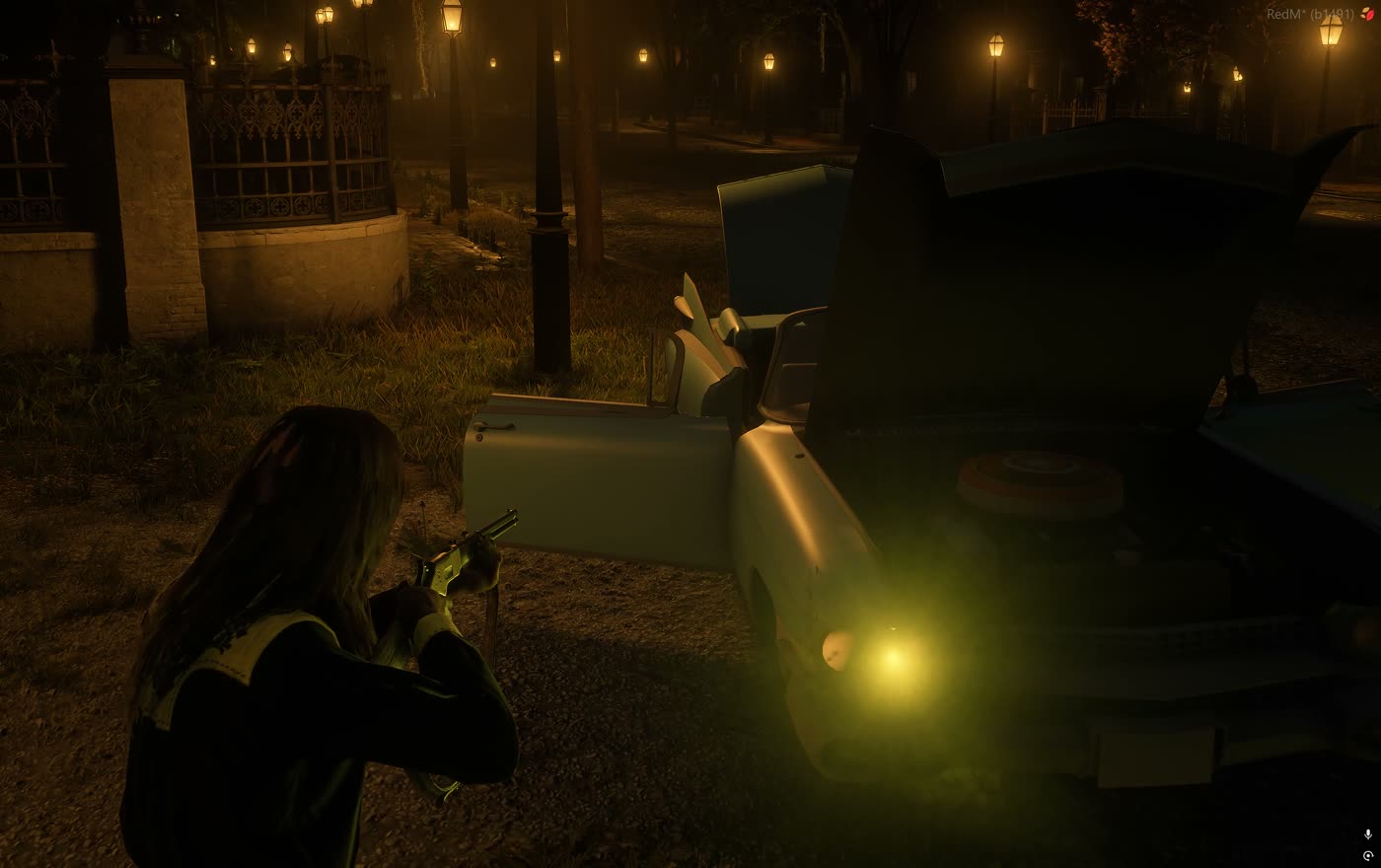
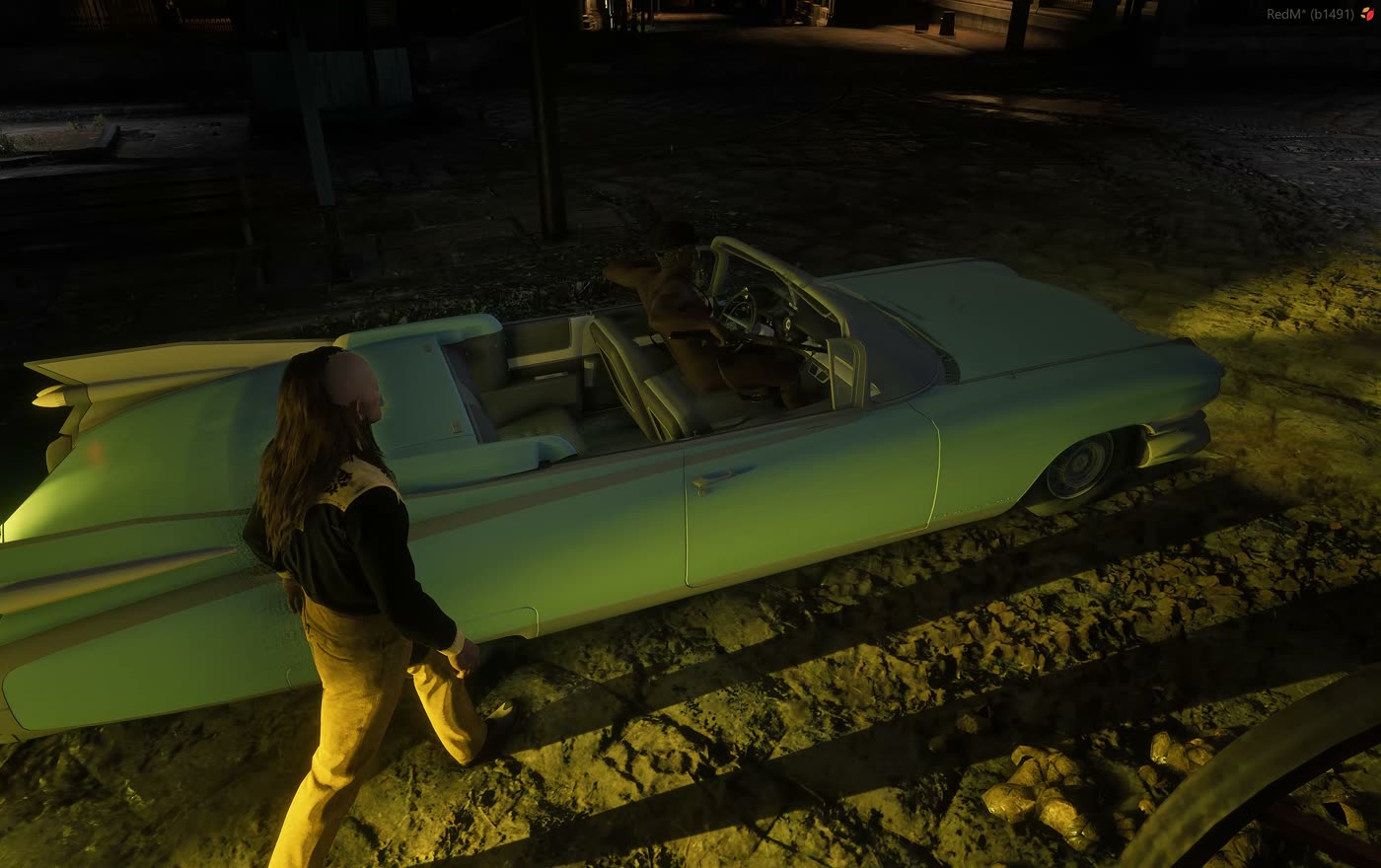
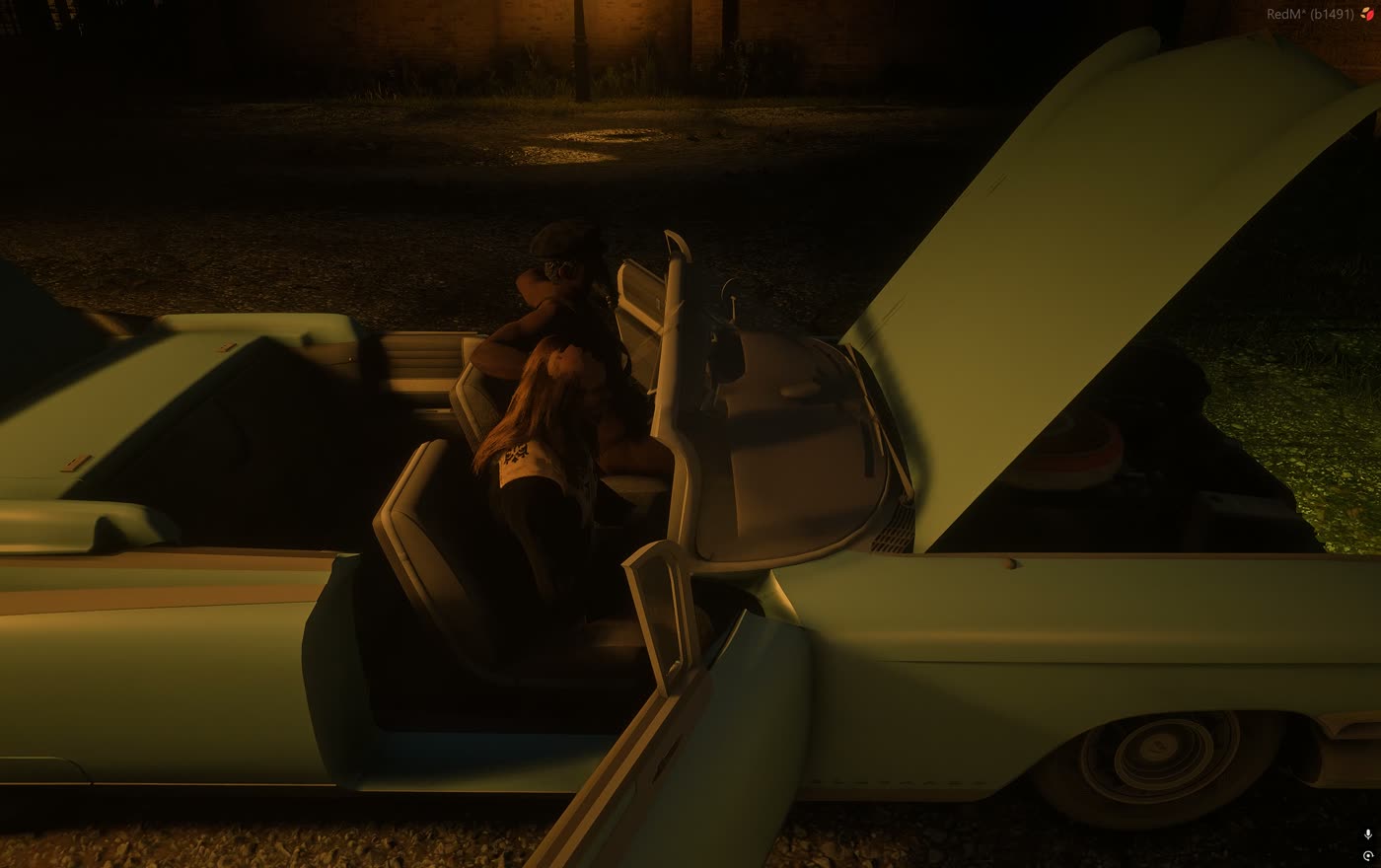
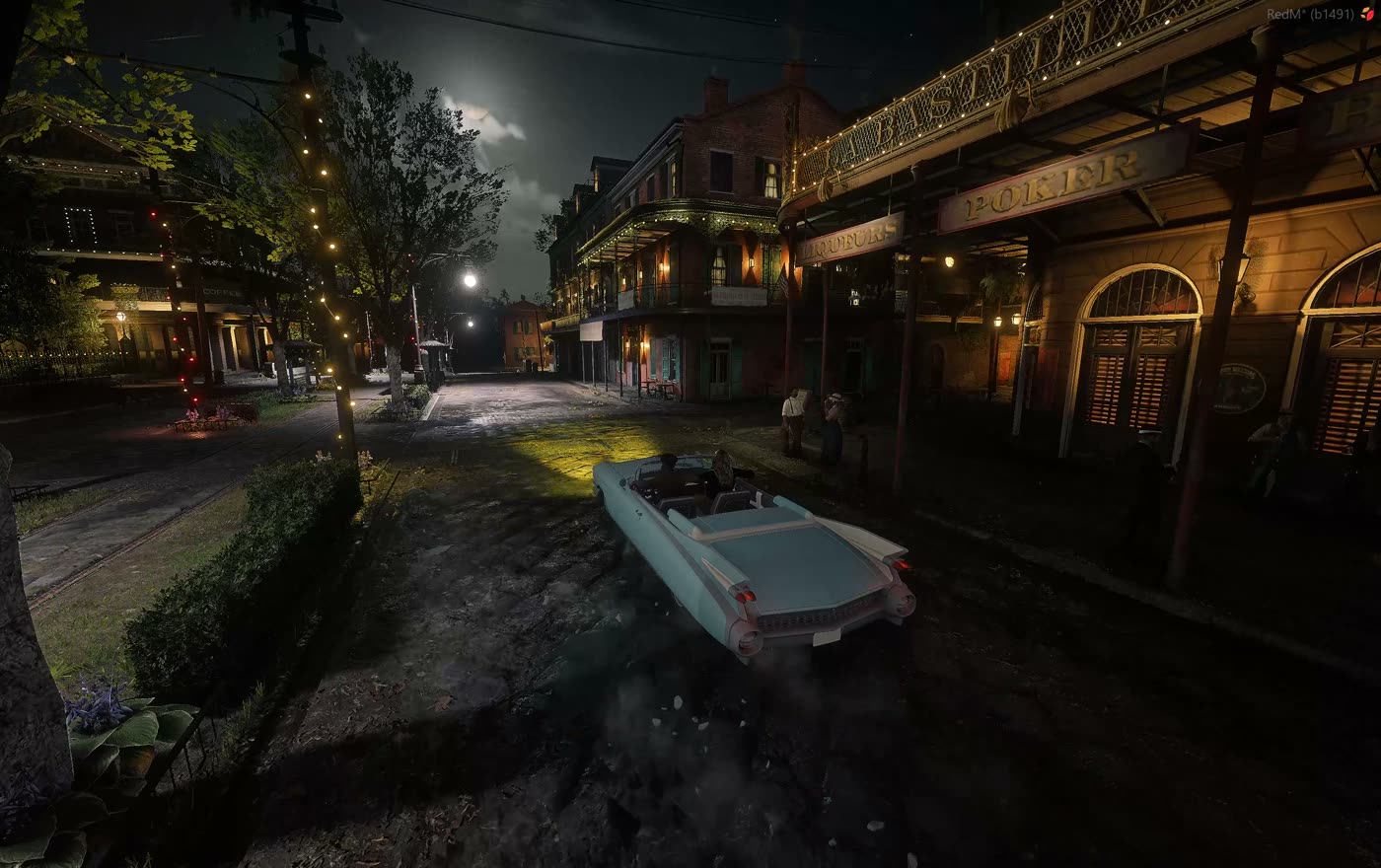
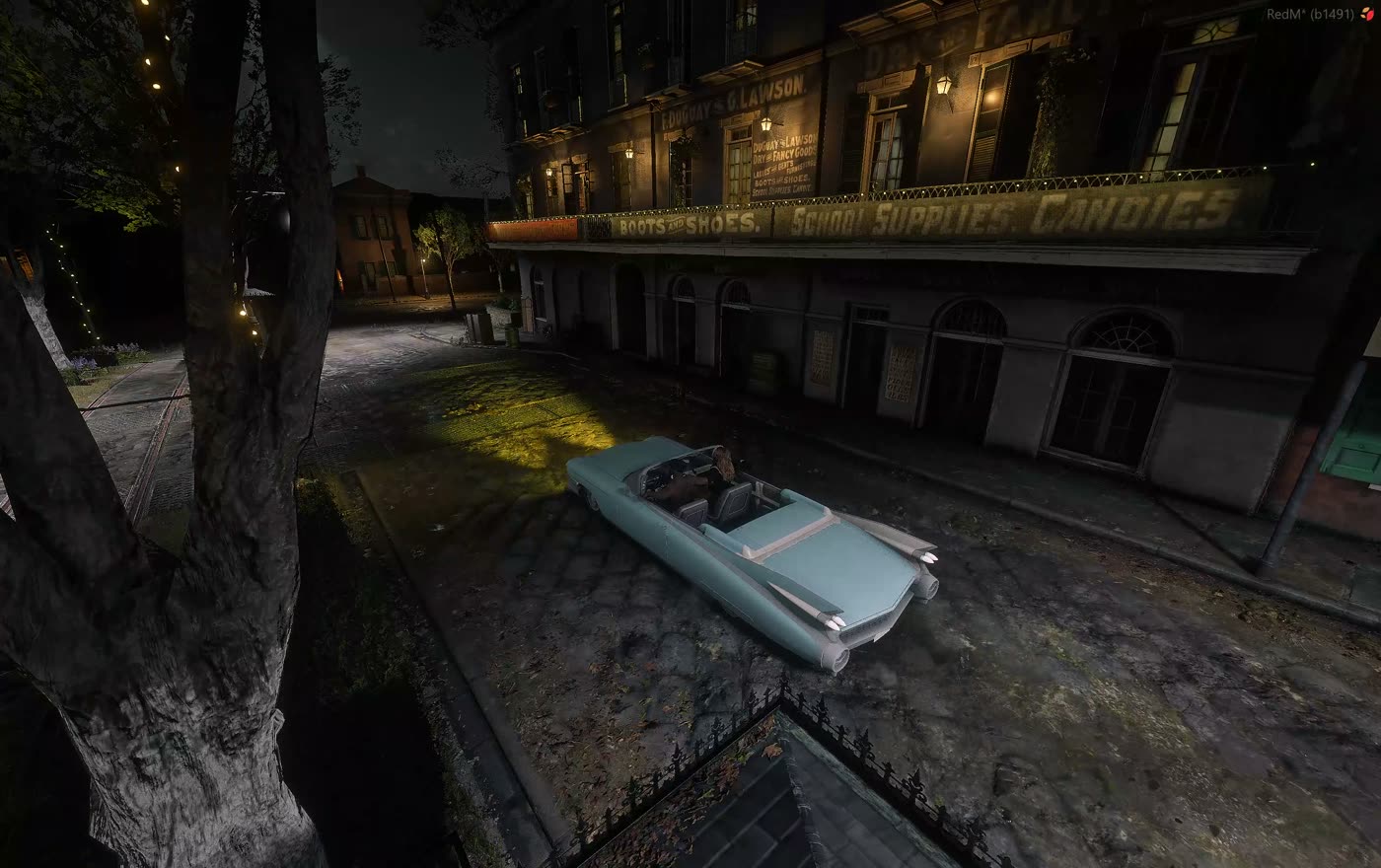
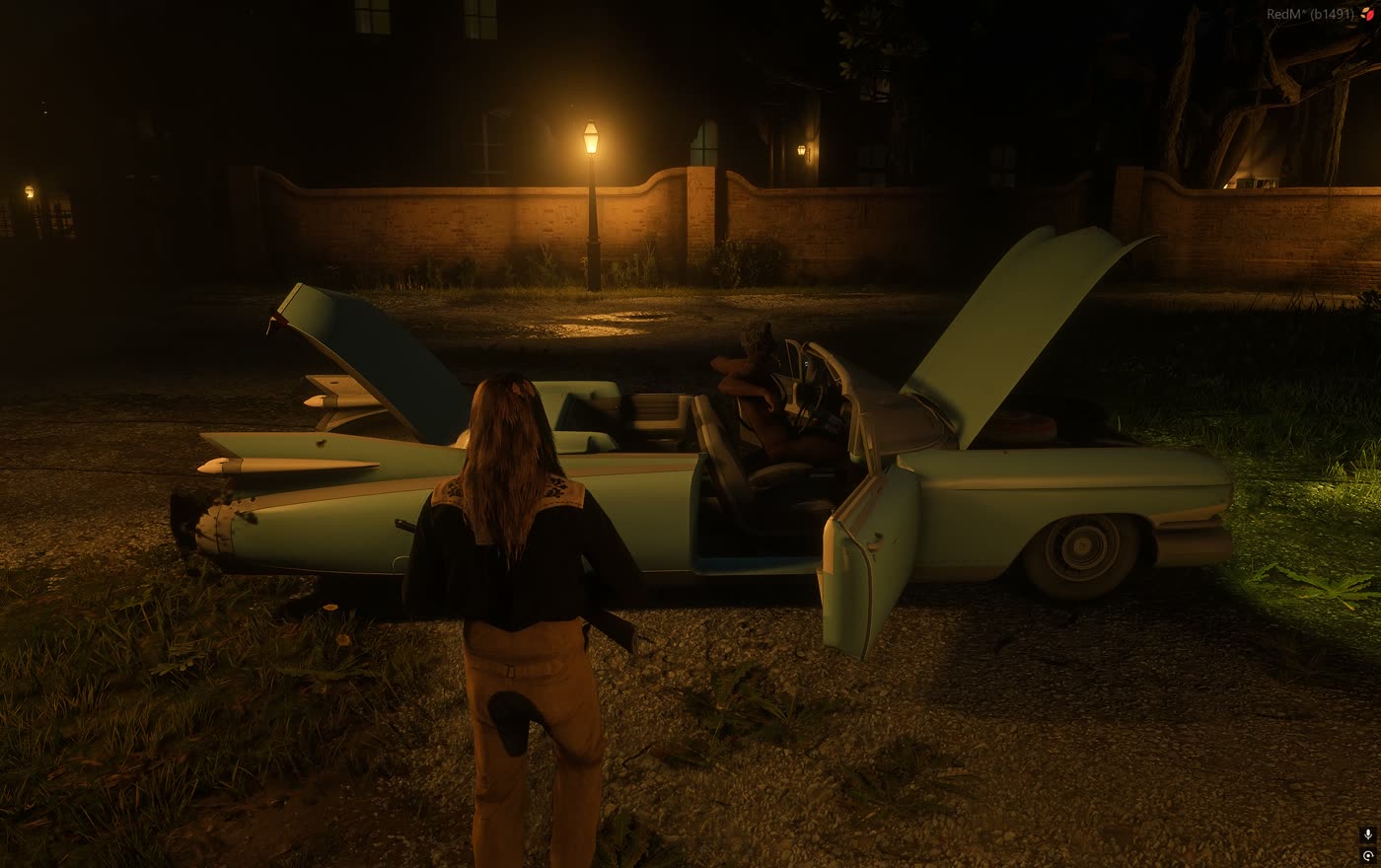
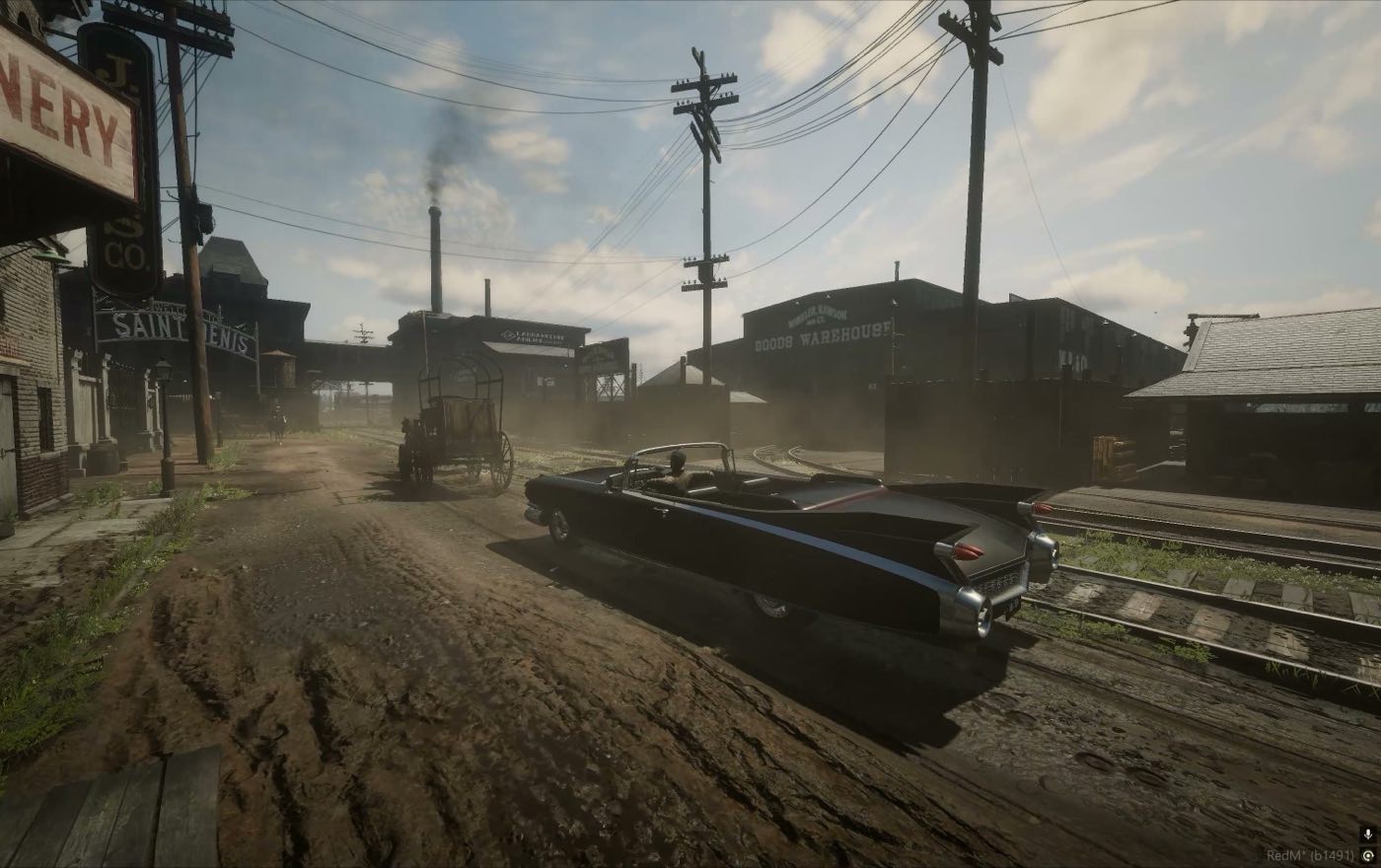
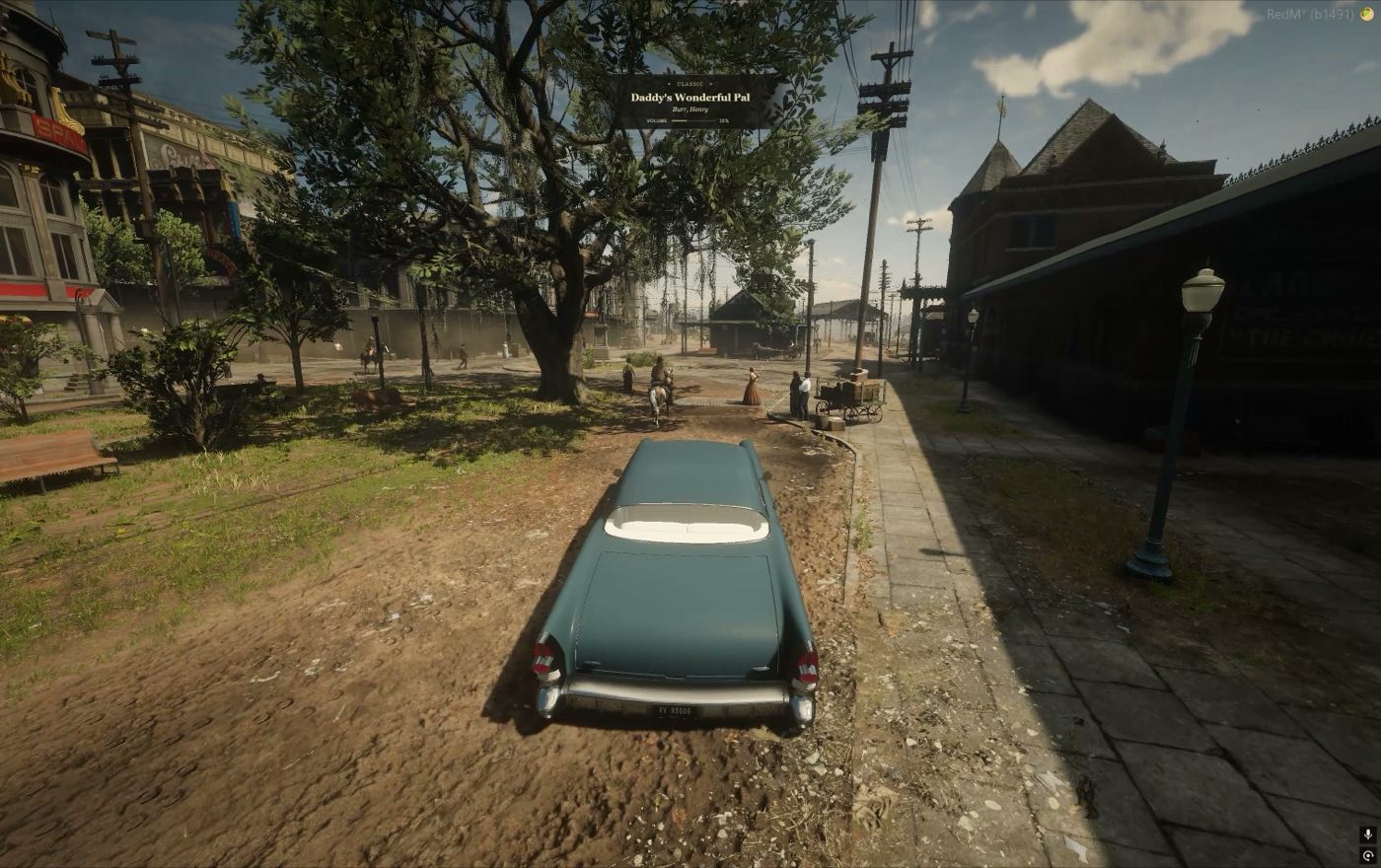
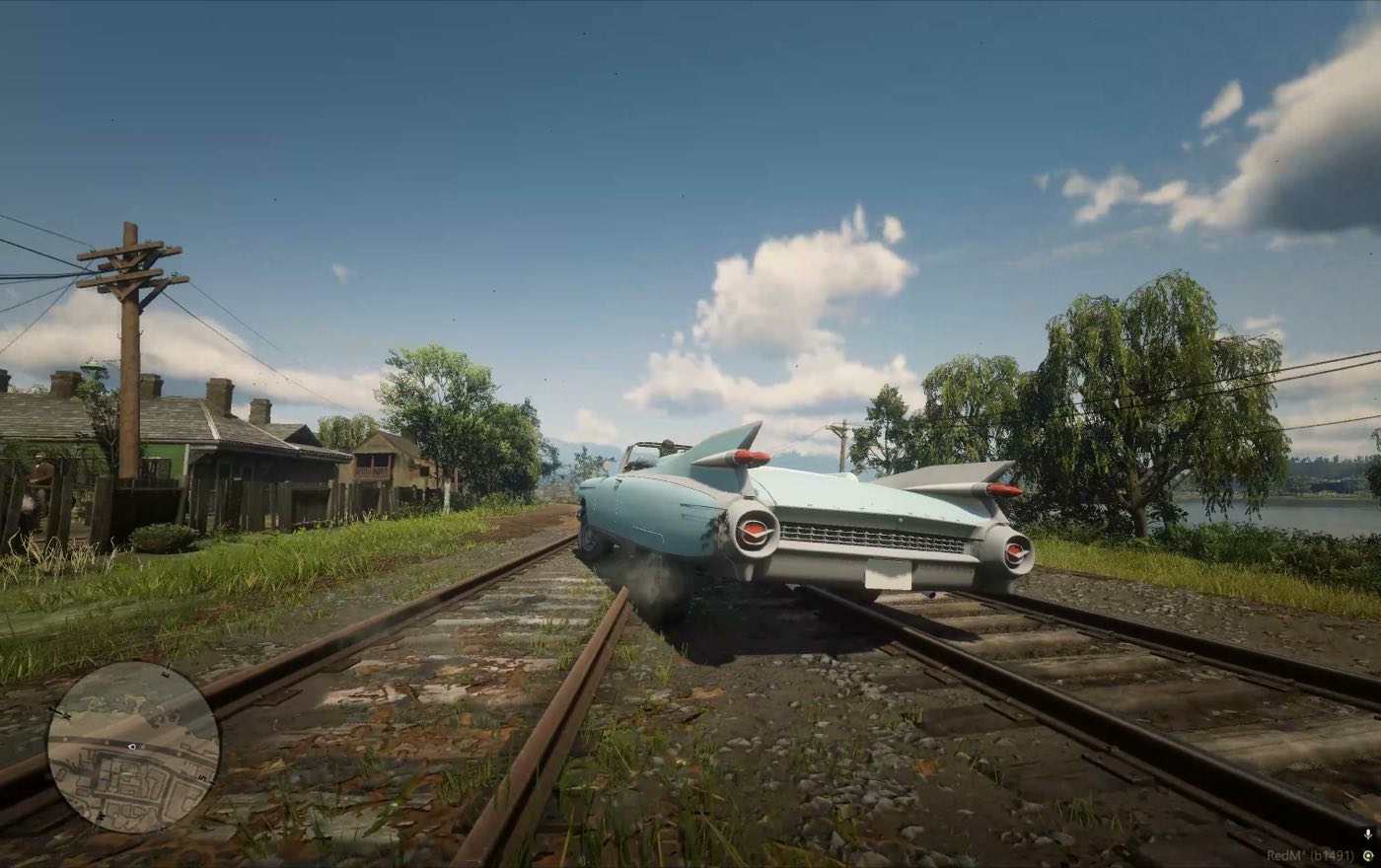
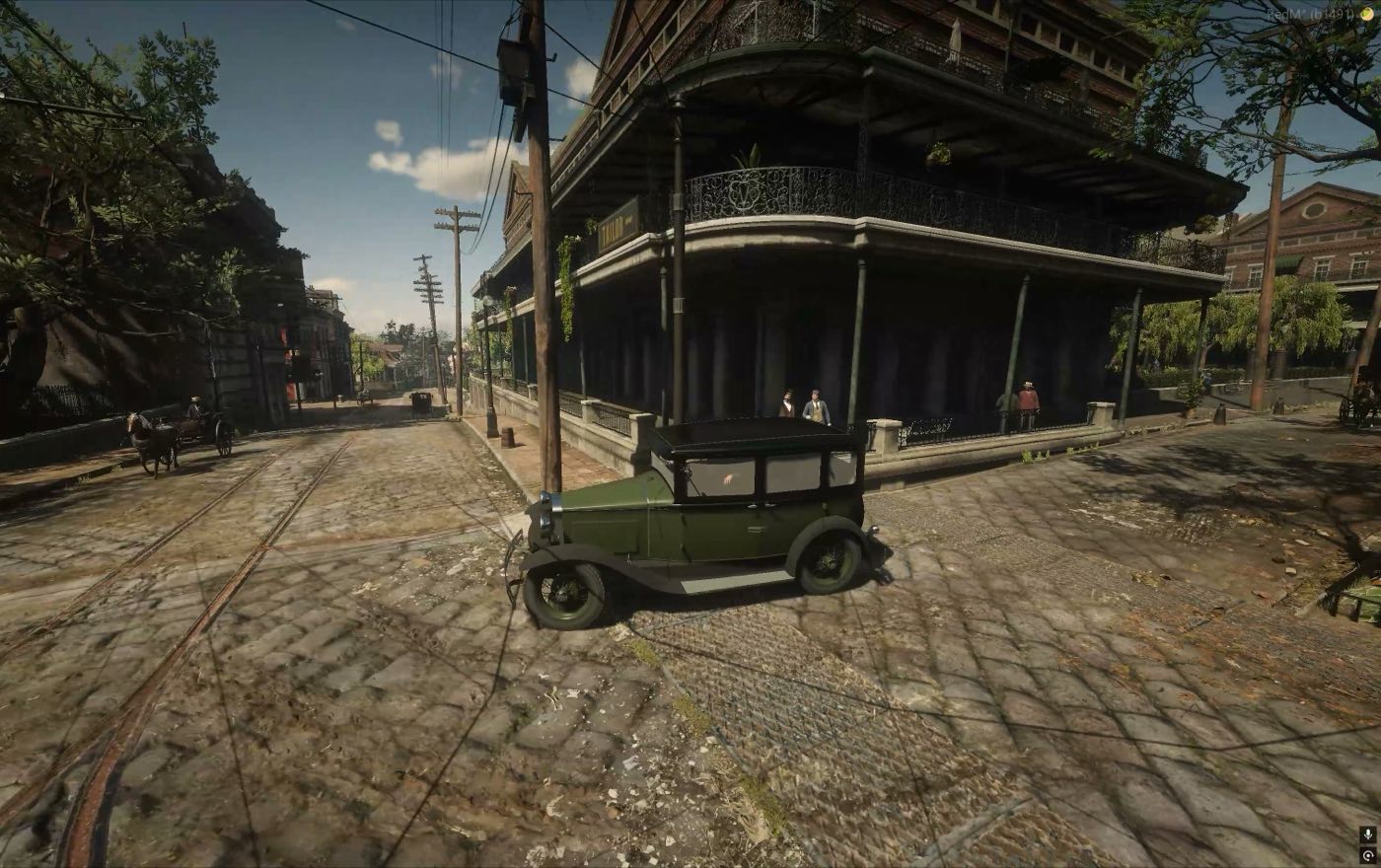
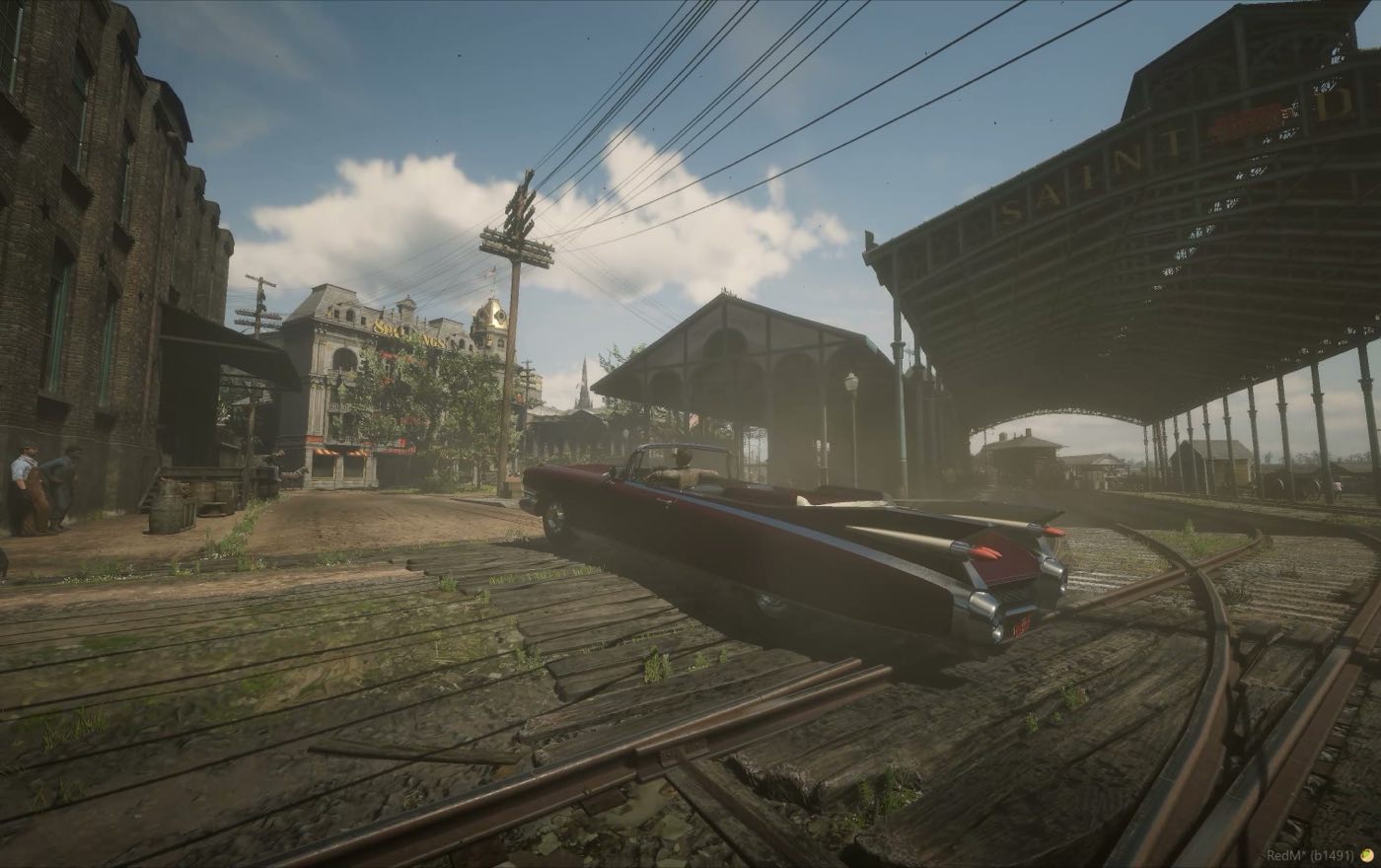
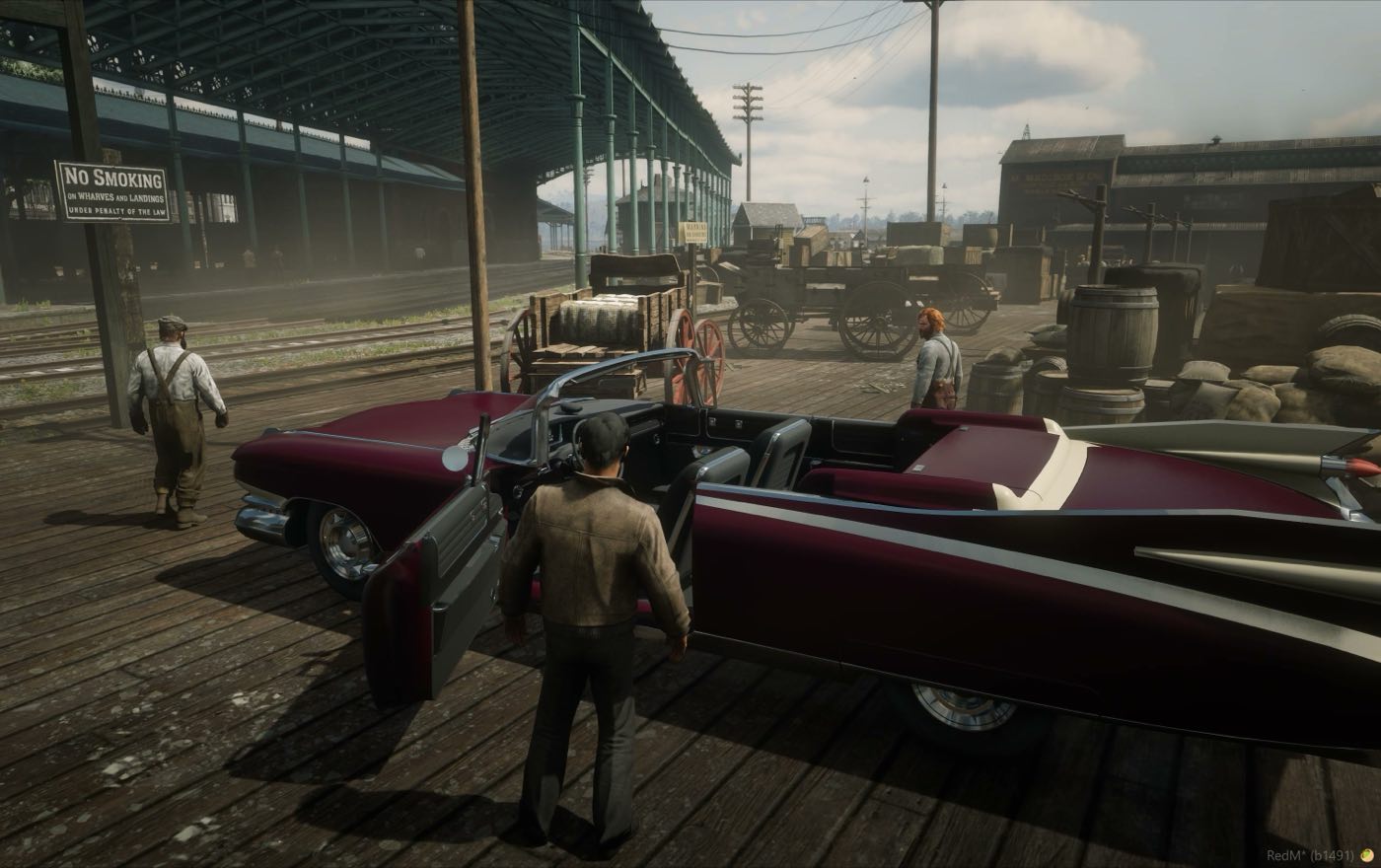
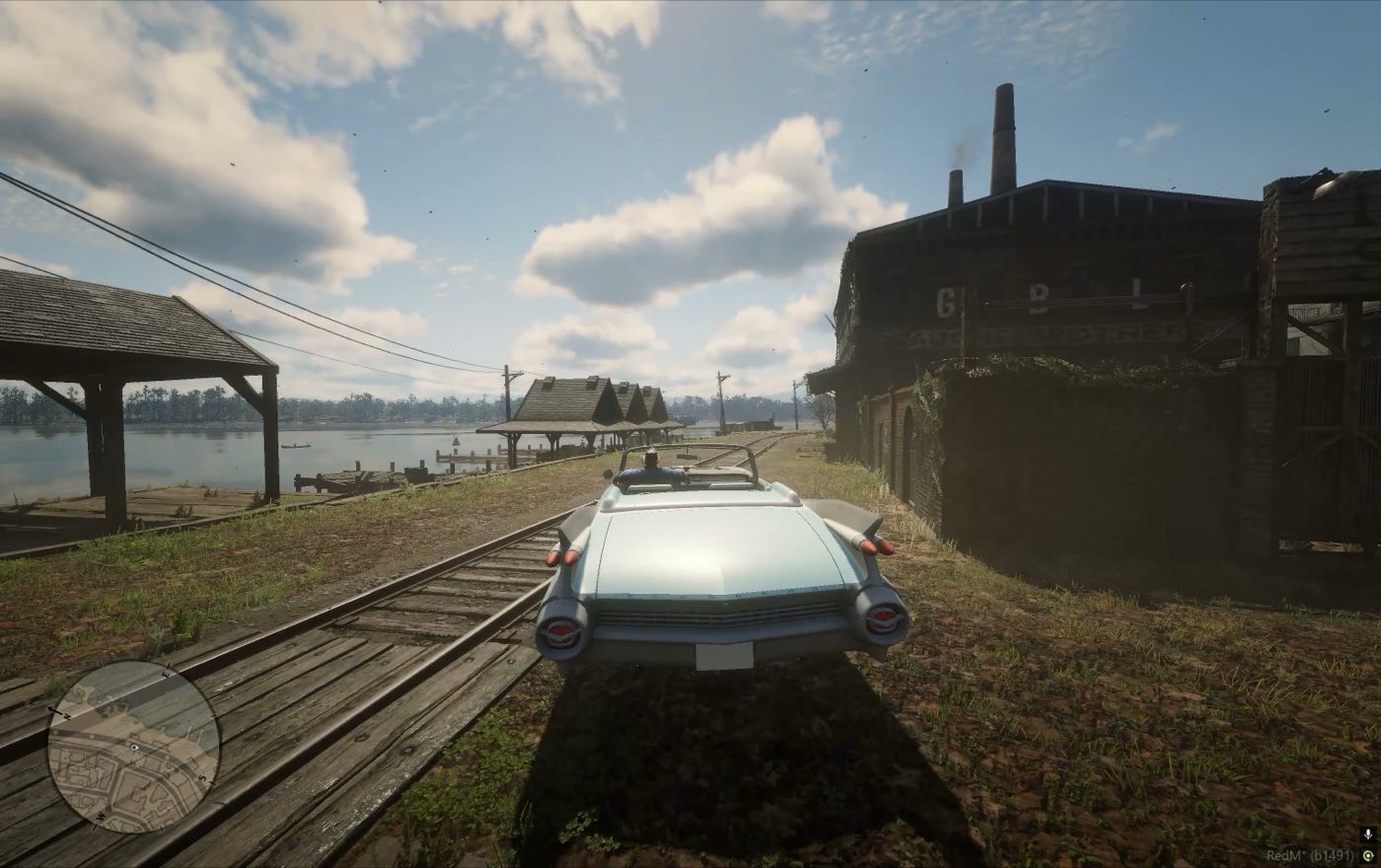
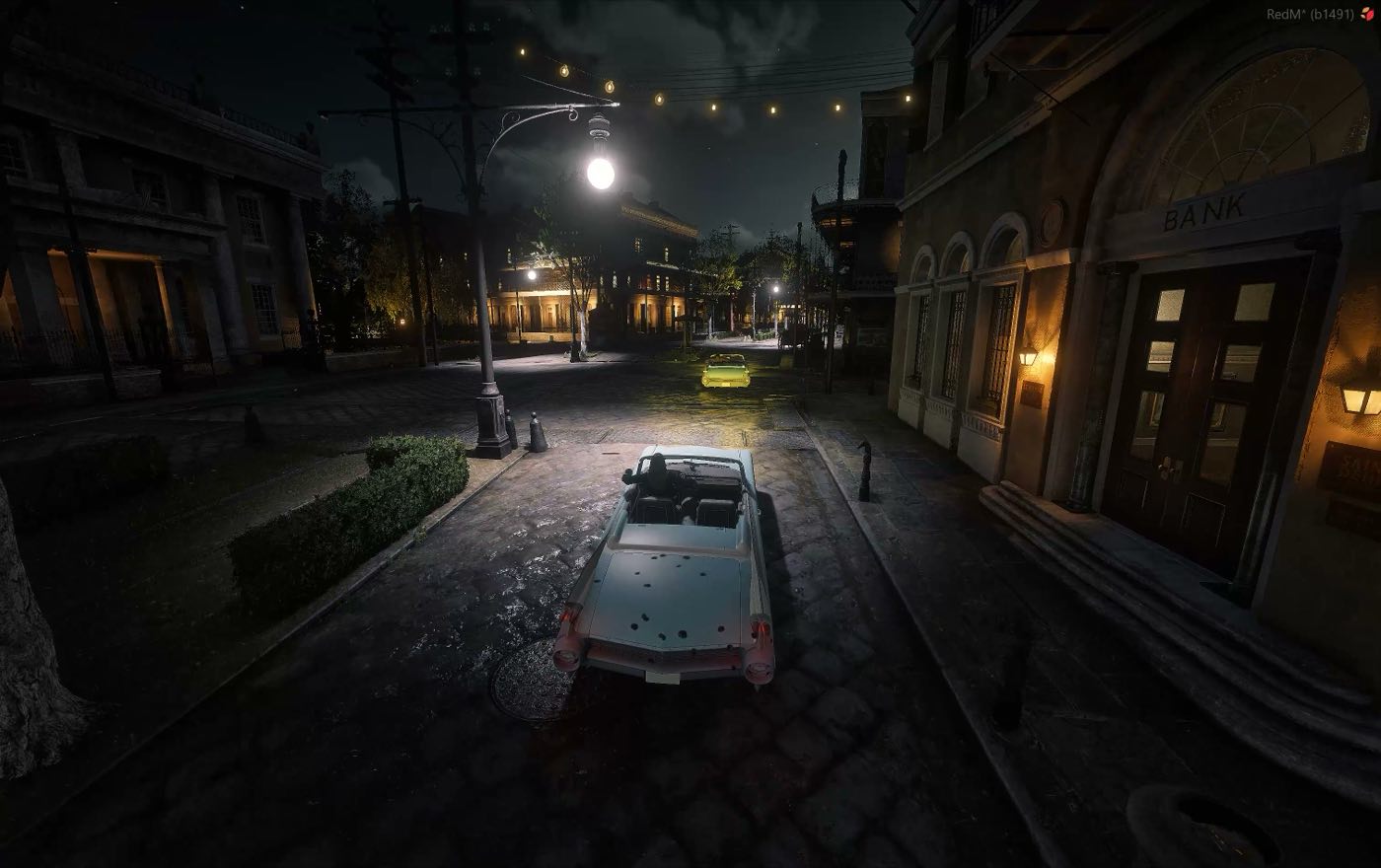
Ten minutes of capture on a live server, cut into stills. Every frame is the shipped build with the HUD and the watermark left in.
The whole car, not just the drive
A car people actually roleplay in needs more than forward motion. Every part below is server state, replicated, and cleaned up when the vehicle is deleted or its module is stopped.
Physics controller
Wheel contact, drive torque, gearing, steering, braking and handbrake solved per frame by the C# core against the composite object's real physical bound.
- Authored mass and inertia tensor
- Centre of gravity authored per car
- Async ground probes with a fair scheduler
Three gearboxes
Automatic picks direction near zero speed. Simplified adds an explicit reverse on R. Manual puts the ratios on E and Q. Gear count comes from each car's handling.
- Automatic, simplified, manual
- Per-car gear ratios and redline
- Clutch and neutral are not simulated
Seats and access
Seats are server-owned. The nearest free seat is claimed by door proximity, occupancy and distance are validated server side, and emergency exit always stays available.
- Server-side seat ownership
- Optional ACE gate on ordinary use
- Route bucket isolation
Panels and lights
Doors, hood and trunk are hinged parts with their own pivots. Lamp groups are authored anchors: front, tail and brake, with the tail pair burning brighter under braking.
- Per-model panel and lamp sets
- Nothing invented that the model lacks
- Broken groups hide both prop states
Damage and flooding
Body and engine health are derived from measured velocity change on impact. Power falls with engine health down to a floor, then the engine cuts and will not restart until repaired.
- Body and engine HP, 1000 each
- Confirmed flooding kills the engine
- Two prepared bumper stages where bumpers exist
Sound
A C# mixer drives RPM and load transitions with positional Web Audio. No xSound and no third-party audio resource. Missing recordings are reported as missing, not faked.
- Smooth RPM and load crossfades
- Positional output per vehicle
- Shared sound-pack registry
Quick tuning
Engine levels of +10, +20, +30 and +40 percent over that car's own baseline, a separate custom top-speed preset from 20 to 200 mph, plus suspension firmness and ride height.
- Levels never compound on repeat
- Out-of-range values rejected, not clamped
- Nothing written to config automatically
Developer menu
An in-game English menu behind a server-checked ACE: panels, lights, handling, suspension, seats, camera, diagnostics, damage and repair. Exports JSON without touching the base profile.
- Live edit, then export the profile
- Shows plate and distance to the car
- Gated by worldvehicles.developer
Integration surface
A Lua JSON API and a typed C# SDK cover spawn, seating, engine, tuning, damage and state, with events for every lifecycle step. Adding a car needs no core rebuild.
- wvOnSpawn, wvOnEnter, wvOnExit, wvOnDelete
- wvEngine, wvOnDamage and more
- Stable JSON protocol, version 1
One core, four cars, one radio
The core system is the product. Every car is a standalone resource you add one at a time, and all four of them cost nothing. One purchase covers one server.
World Vehicles
The physics controller and the server core, plus everything built on top of them. This is the product; the rest of the catalogue is extra bodywork.
- One server per purchase
- RedM with gamename rdr3 and OneSync
- Updates delivered to your account
What you get
- C# physics controller: wheel contact, drive torque, gearing, steering, braking
- Three transmission modes, automatic, simplified and manual
- Server-owned seats, access gating and route bucket isolation
- Hinged doors, hood and trunk, plus authored lamp groups
- Collision damage, engine failure and flooding
- Engine sound mixer with positional Web Audio
- Quick tuning: engine levels, custom top speed, suspension
- Developer menu with live edit and profile export
- Lua JSON API and a typed C# SDK, protocol v1
Four cars
Each one a standalone resource with its own model, collision bounds and complete profile. Drop it in, name it in one array, start it before the controller. All four of them are free.
 Vehicle module
Vapid Pioneer Delivery
 Vehicle module
Vapid Pioneer Pickup
 Vehicle module
Vapid Pioneer Sedan
 Vehicle module
Vapid Pioneer Tudor
Upgrades that mean something
Engine levels multiply that car's own configured torque and speed target. The baseline is whatever the model was authored with, so level 2 on a slow tourer and level 2 on a racer are both honest twenty percent gains rather than a shared number.
A separate custom preset takes a target in miles per hour and works backwards: it adds torque by the squared speed ratio, lengthens the gearing and sets the governor. Applying an engine level afterwards replaces the preset instead of stacking on top of it.
- Suspension firmness 0.5 to 2.0, with damping scaled by the square root to keep the authored damping ratio
- Ride height offset from minus 20 to plus 30 centimetres
- Per vehicle, server-authoritative, never written back to config on its own
- Results that violate a physics bound change nothing at all
| Level | Bonus | 80 mph stock | 100 mph stock |
|---|---|---|---|
| 0 | stock | 80 mph | 100 mph |
| 1 | +10% | 88 mph | 110 mph |
| 2 | +20% | 96 mph | 120 mph |
| 3 | +30% | 104 mph | 130 mph |
| 4 | +40% | 112 mph | 140 mph |
local wv = exports.world_vehicles

local reply = json.decode(wv:wvSetEngineLevel(vehicleId, 2))
if not reply.ok then print(reply.error) return end

json.decode(wv:wvSetSuspensionFirmness(vehicleId, 1.2))
json.decode(wv:wvSetSuspensionHeight(vehicleId, 0.10))

-- separate custom preset, not level 5
json.decode(wv:wvSetTopSpeedMph(vehicleId, 160))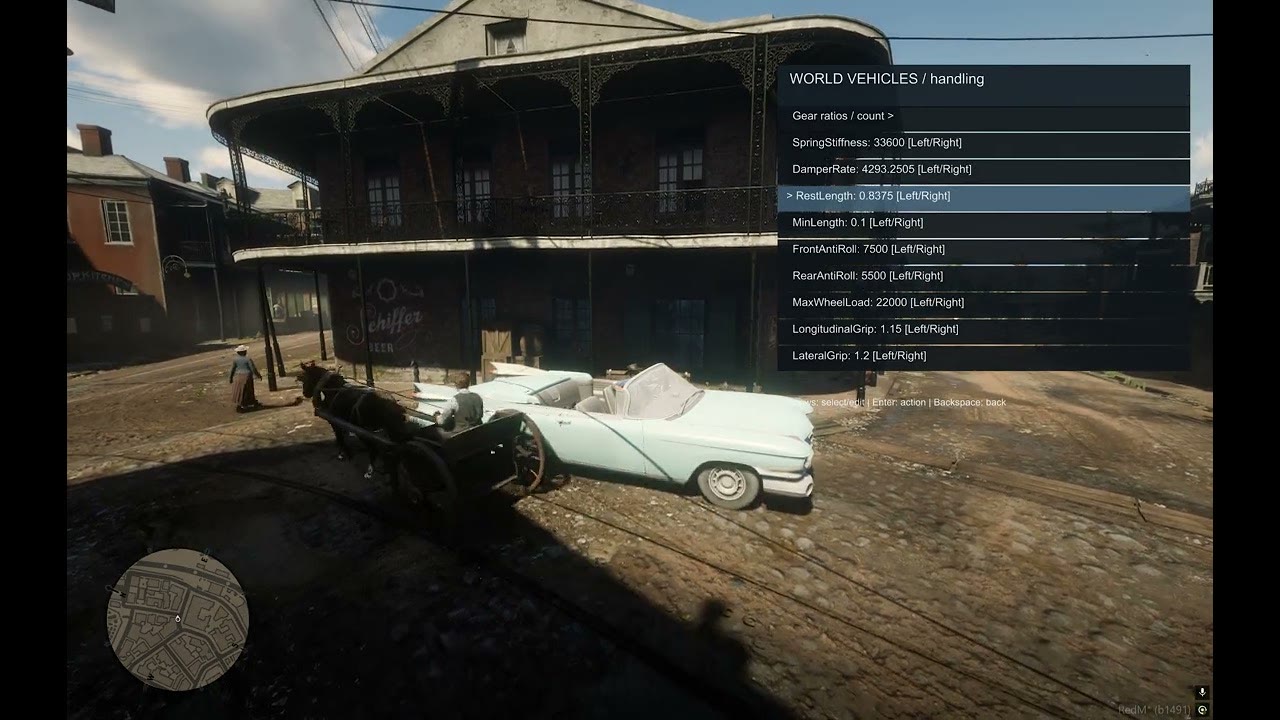
In-car radio
A separate Lua add-on that puts period music in the cabin. It never touches the C# core and needs no xSound or third-party audio resource.
One clock for the whole server
The broadcast runs on a shared server clock, so a player joining halfway through a song hears the same second as everyone else. Track order follows the playlist strictly and the station loops after the last one.
State lives on each car rather than on the listener, route buckets stay isolated, and the server validates every request: a client cannot point the radio at an arbitrary object or hand it a file path of its own.
- Server-owned queue and track position per vehicle
- Server sends deltas, not a full state packet every second
- Up to eight audible cars at once, your own always first
- Passengers can change the station by default, not just admins
- Compact HUD that hides itself after 2.5 seconds while the music keeps going
- Lua API for client and server, JSON replies both ways
Coming soon
What it looks like on a server
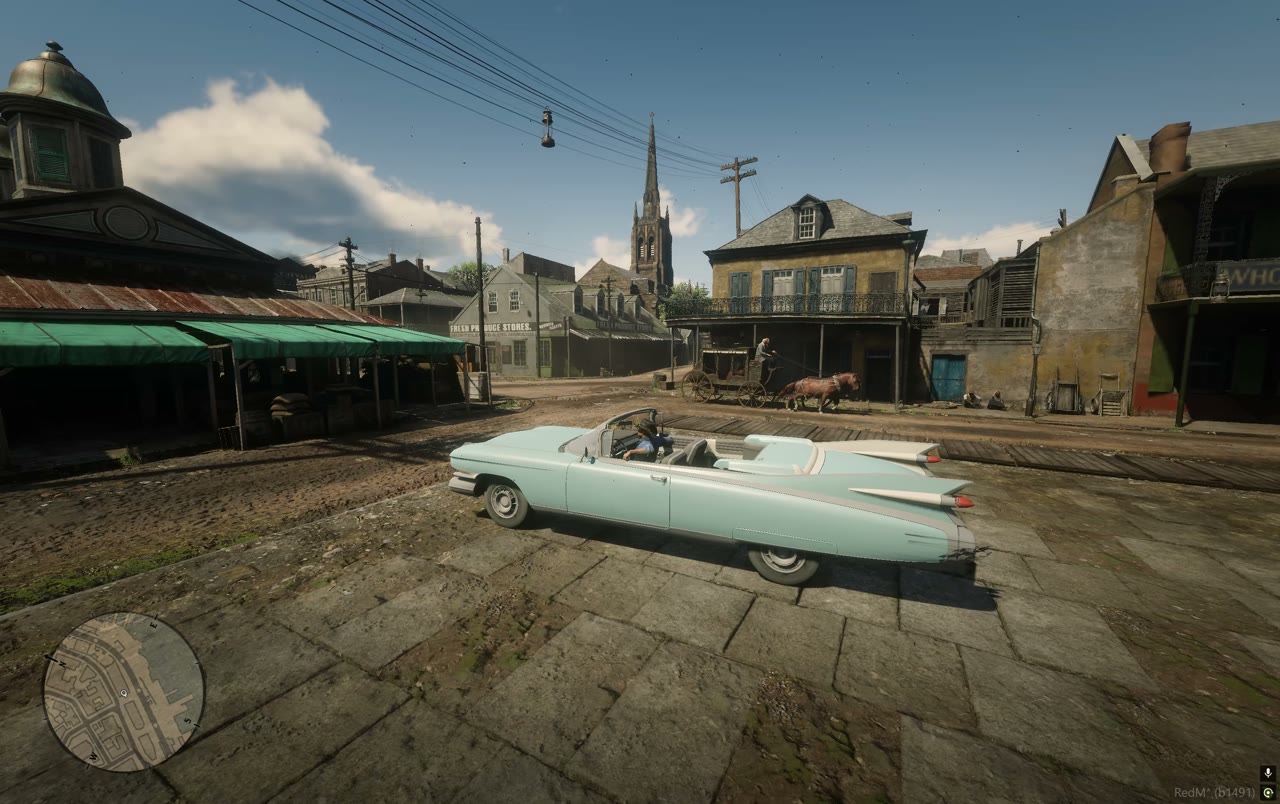
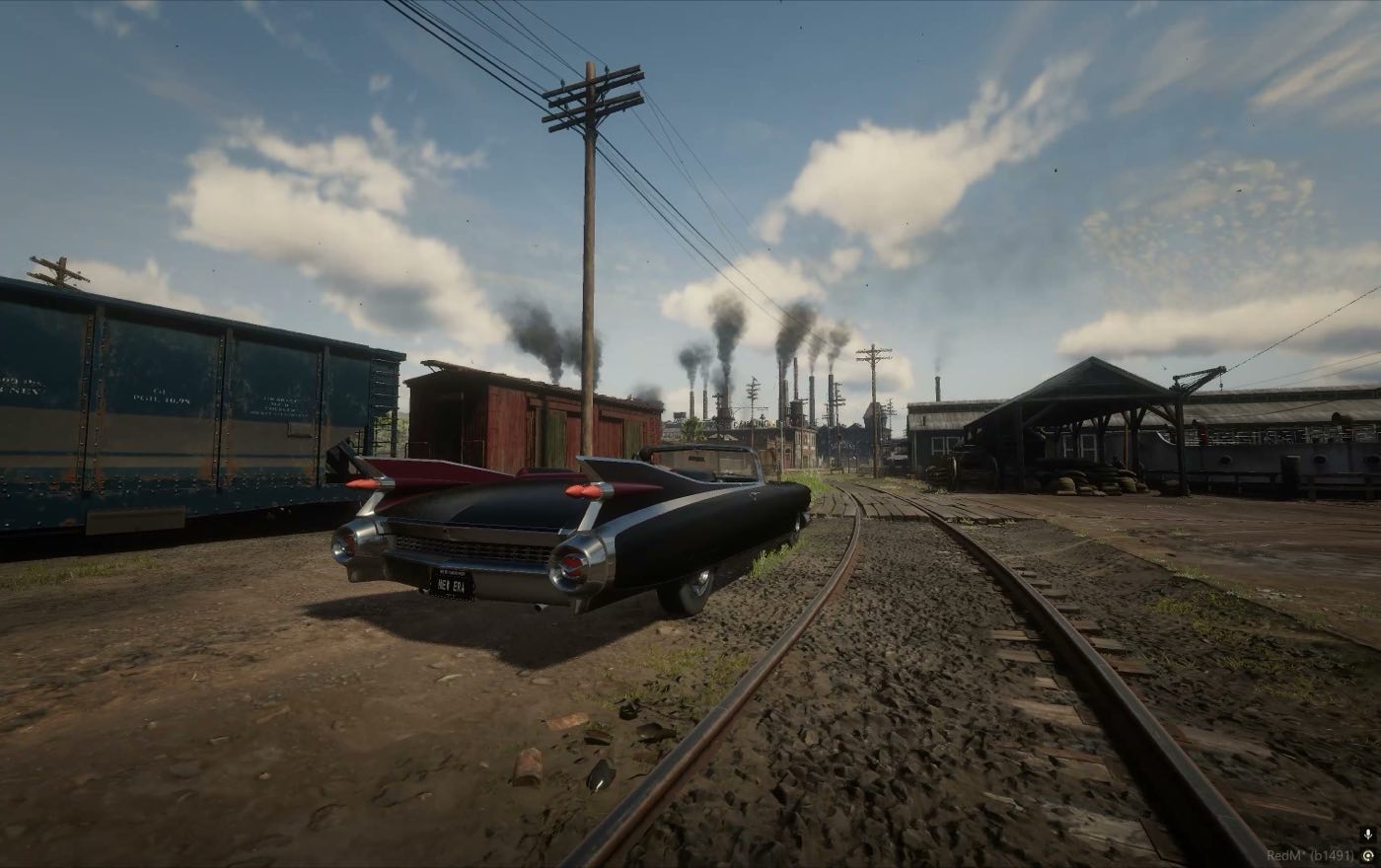
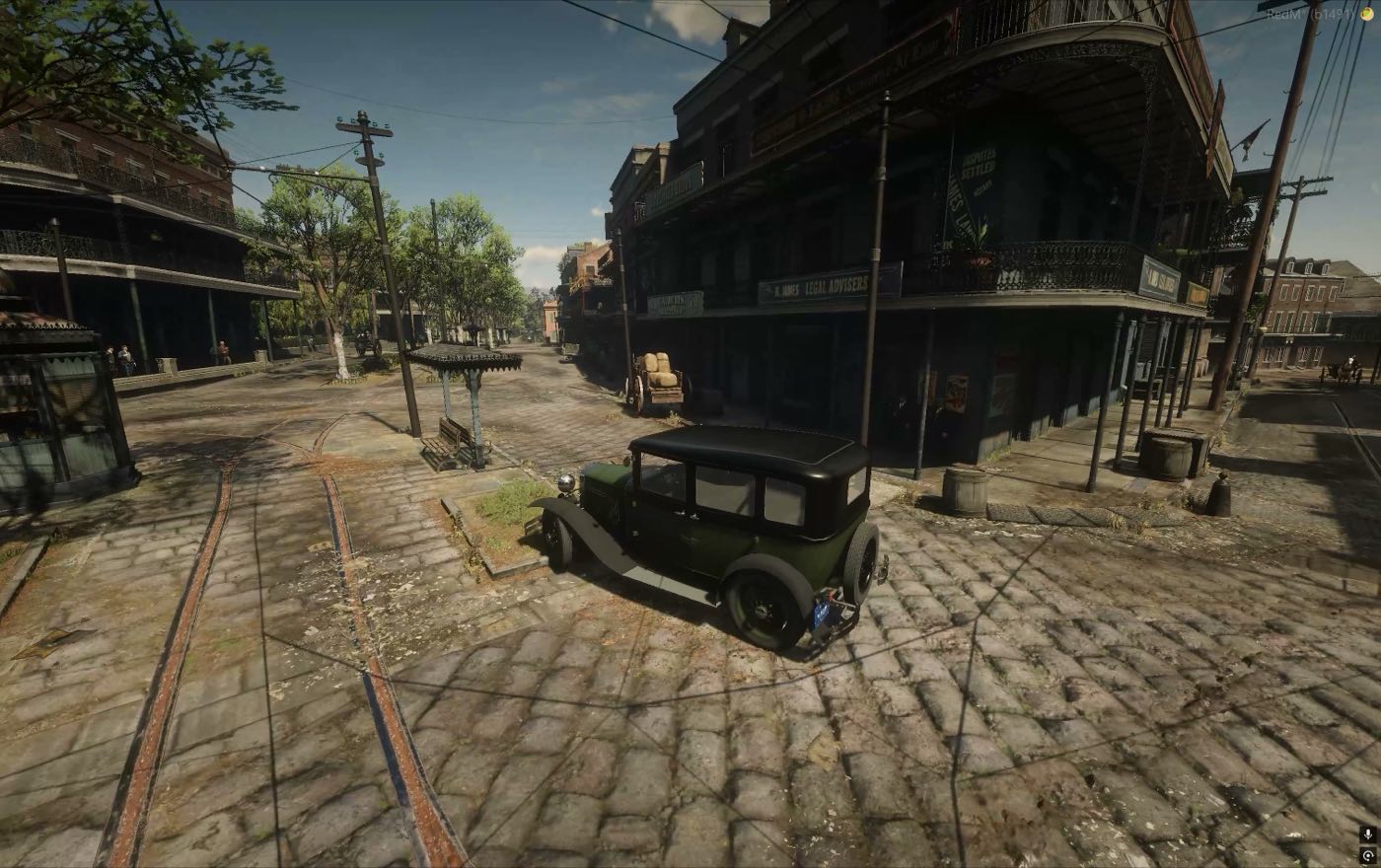
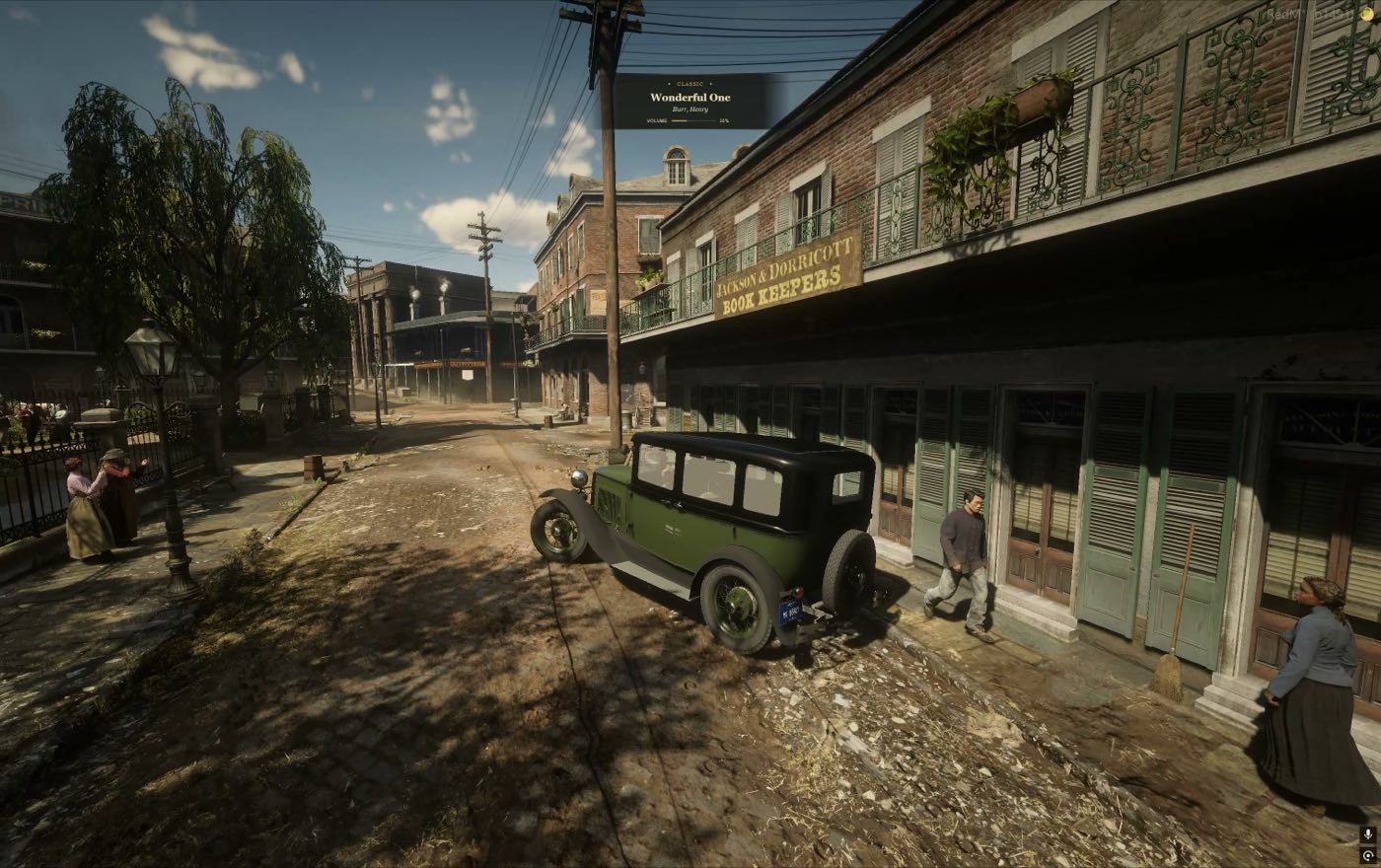
No renders, no mockups, nothing staged in an editor. The HUD, the watermark and the imperfect night lighting are all left in.
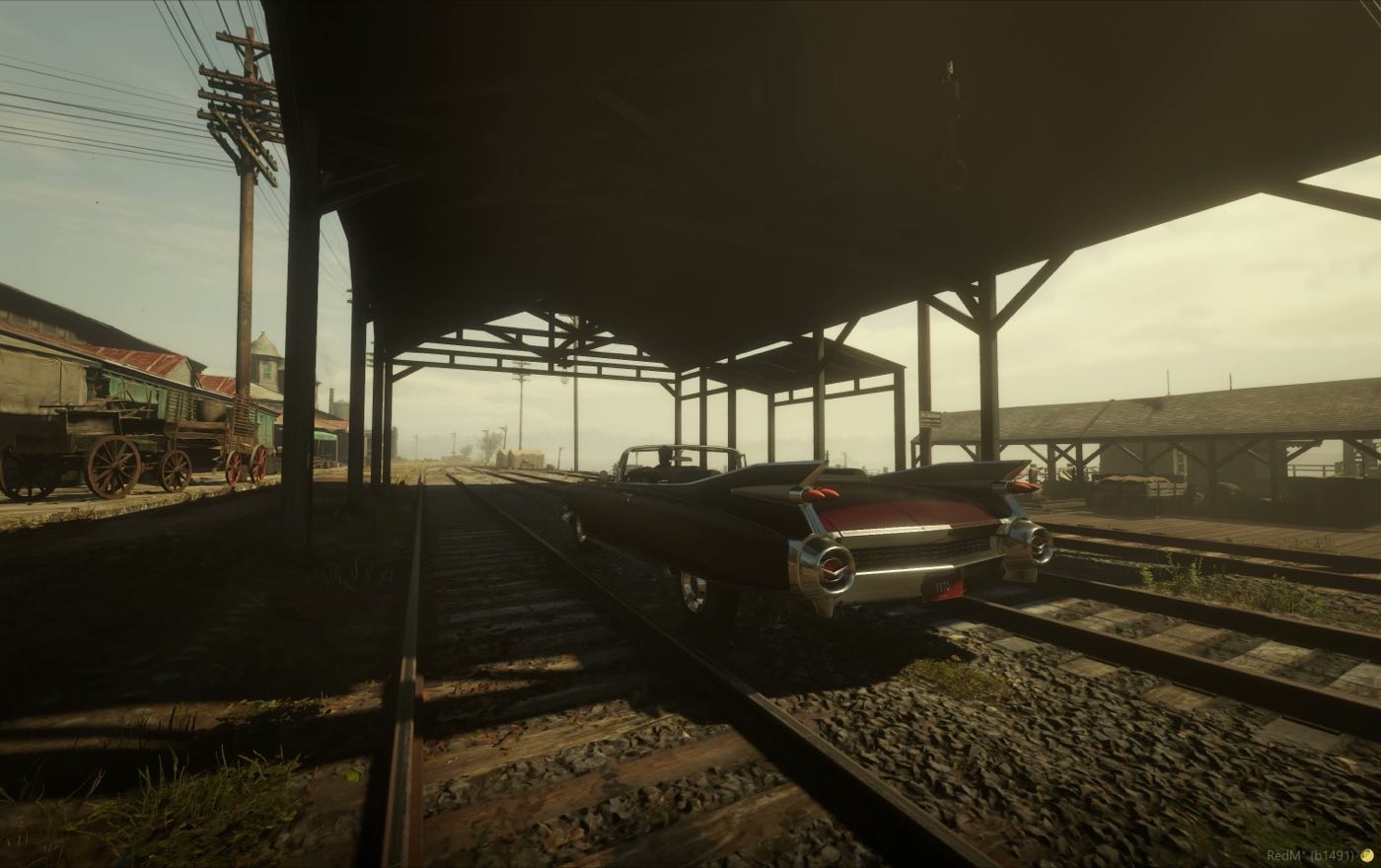
Buy it once, run it on your server
The core system is the product. The cars sit on top of it and all four of them are free. The in-car radio is coming soon. Every purchase covers one server.
What it does not do
Every list above describes something that works today. These are the things it does not, written here rather than discovered after purchase.
No free body deformation
There is no free-form dent at the point of impact. Bumpers have two prepared stages where real detachable bumpers exist; the physical colliders keep their undeformed surface. Whole-body mesh replacement is disabled by design.
Session state, not a database
Vehicle state lives on the server for the life of the session. A resource restart or a fresh spawn creates a new car. Persistence is left to your own scripts through the API.
Obfuscation, not encryption
Distributed builds get conservative name obfuscation on the implementation assemblies. Public SDK, events, exports and JSON keep their names. It makes the code inconvenient to read; it does not make a .NET assembly impossible to decompile.
Before you buy
Does this need a particular framework?
No. It is standalone and speaks to your server through Lua exports, events and a typed C# SDK. It needs RedM with gamename rdr3, OneSync enabled and the prepared vehicle assets.
Will it conflict with my existing scripts?
It owns the vehicles it manages. Do not run two controllers for the same vehicles, and keep any older test controller stopped: they fight over the same keys and can produce duplicates. Everything else on the server is untouched.
Can I add my own car later?
Yes. A car is a resource with a model, collision and a vehicle.json. Add the resource name to one array in the core config and start it before the controller. Adding a correctly authored car never requires rebuilding the C# core.
How is it installed?
Vehicle resources start first, then the core controller, then the radio if you bought it. Ordering matters because the client loader needs each vehicle.json at connect time. A ready-made start order ships with the package.
Is the source included?
No. You receive the built resource with obfuscated implementation assemblies. Configuration, vehicle profiles and every integration point are plain JSON and Lua that you own and edit freely.
Does the radio come with music?
No. The add-on ships the system, not the tracks. You supply your own legally licensed MP3s and install them on your server.
What does a purchase cover?
One server per purchase. Vehicle modules and the radio are licensed the same way and require the core system to run.

Put cars on a map that never had them
Four vehicles, a physics core written for this engine, and documentation that tells you where the edges are. Questions before you buy go to the Discord.